Smile Game Builder is a curious case of a game engine that I really like but I feel was heavily held back by the developer in charge of it. As of June 2026 The project has been more-or-less abandoned by the developers and to be honest I don't think many people would look into getting it or the immediate substitute the developers placed down for it (RPG Developer Bakin) simply because it lacks on features that RPG in a Box has (Even more so now that indie game devs are moving towards offering their games on Linux due to the small market of SteamOS while some developers continue to drag their heels and offer Windows-only engines).
SGB does have a couple of tricks up its' sleeve though, but I feel since the community is so small and isolated from... everything, more often than not not that knowledge is lost. So, today I want to document what I believe to be a very simple secret shared between a few, how to get SGB to play fully animated video cut-scenes.
What is/was Smile Game Builder?
Smile Game BUilder is/was (I have no idea anymore) a game engine for 3D RPGs that is notable due to how easy to use it is, most of the time all you have to do is drop blocks or objects into the map and everything just works.
I feel the reason why it wasn't an immediate hit however (And neither is its' successor Bakin) is because it has some serious limitations. For starters using pre-made assets or 2D sprites (Which get pleaced in the world Xenogears-style) or even blocks for maps (Which only require the texture of a cube) is easy. But getting custom 3D characters in the game? That's a legitimate pain, you need to have a model with very specific parameters and the animation for it has to be a completely separate file, it's just a mess.
The battle system is also severely lacking and cannot be customised, which leads to the development of very.... simple games, it's weird the games are fully 3D but most of the time they feel like generic RPG Maker games due to the limitations they have built into them.
There's also the lack of export for systems other than Windows but that is neither here or there, I know some people successfully pulled off exporting their games using third party tools usually developed by themselves so it's not that big of a deal [...]
[... Here was a rather long review/rant that is irrelevant to this article and I therefore deleted]
How to get the engine to play video cutscenes
Anyways, the whole trick to getting this done is by using the browser function.
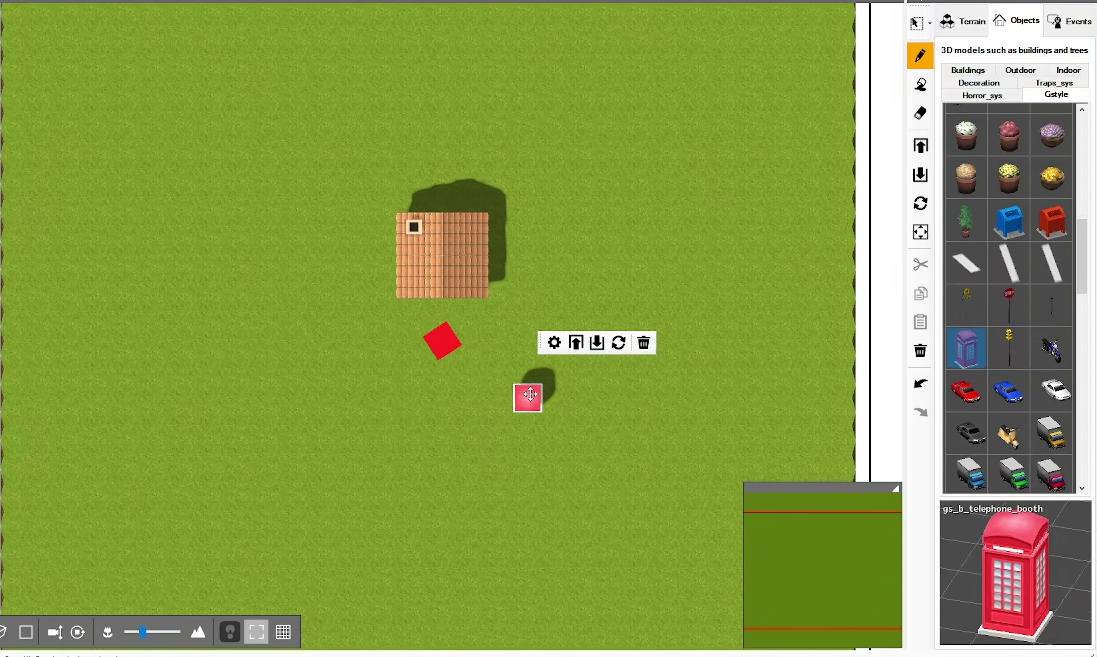
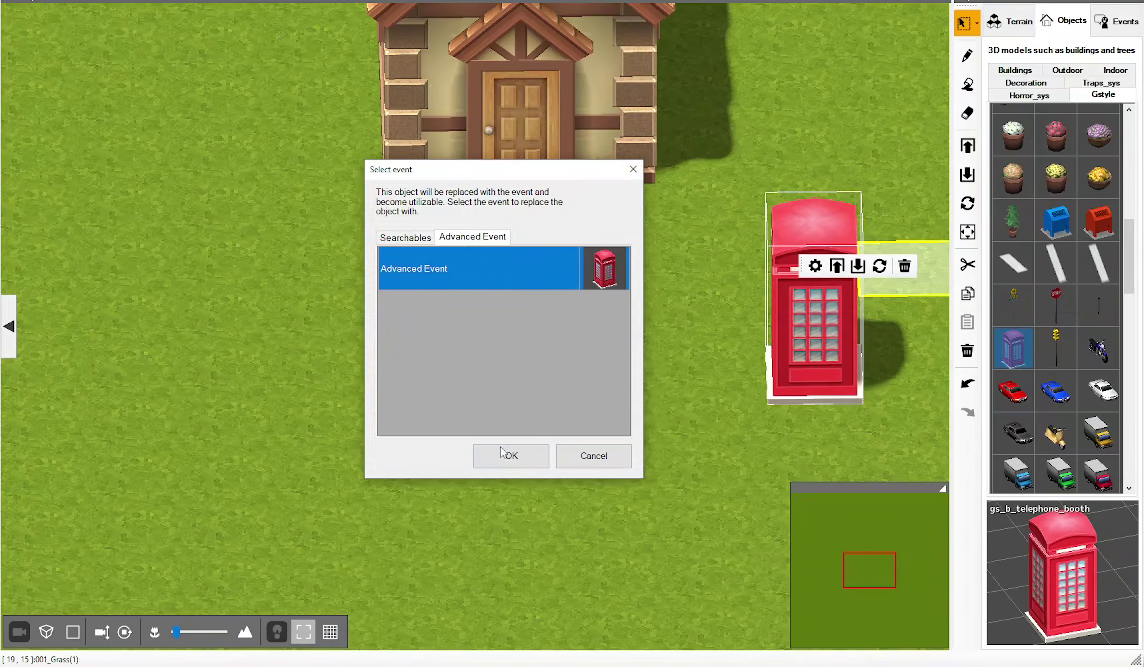
It's honestly very easy to do, first you add an object to the overworld and turn it into an advanced event.
Adding an objectTurning the Object into an advanced event
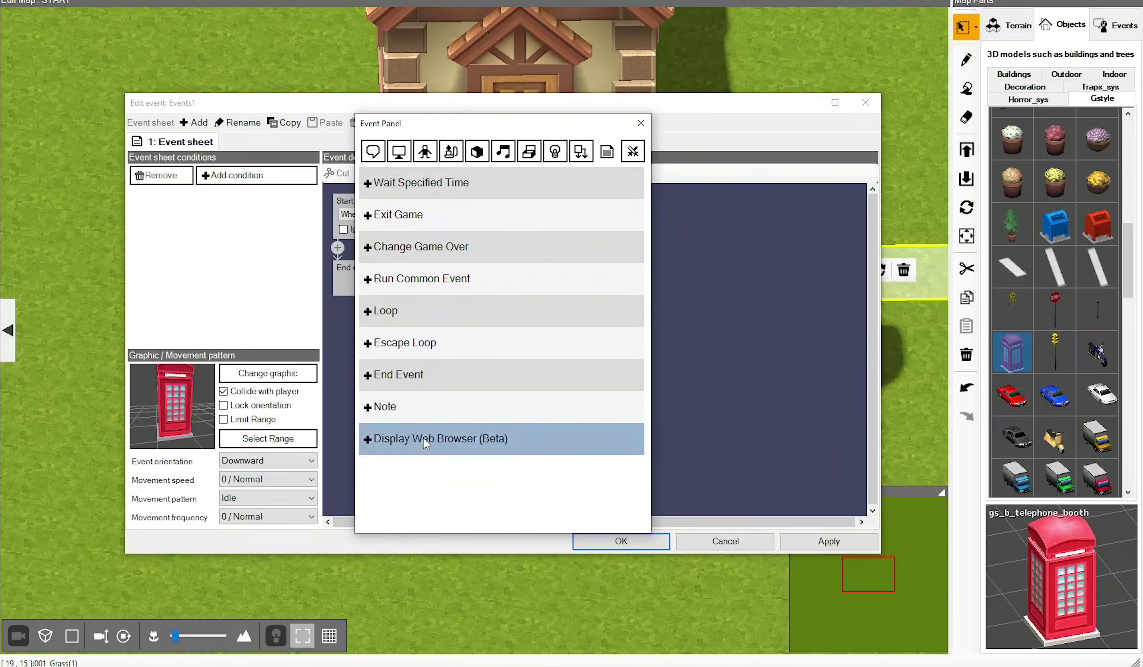
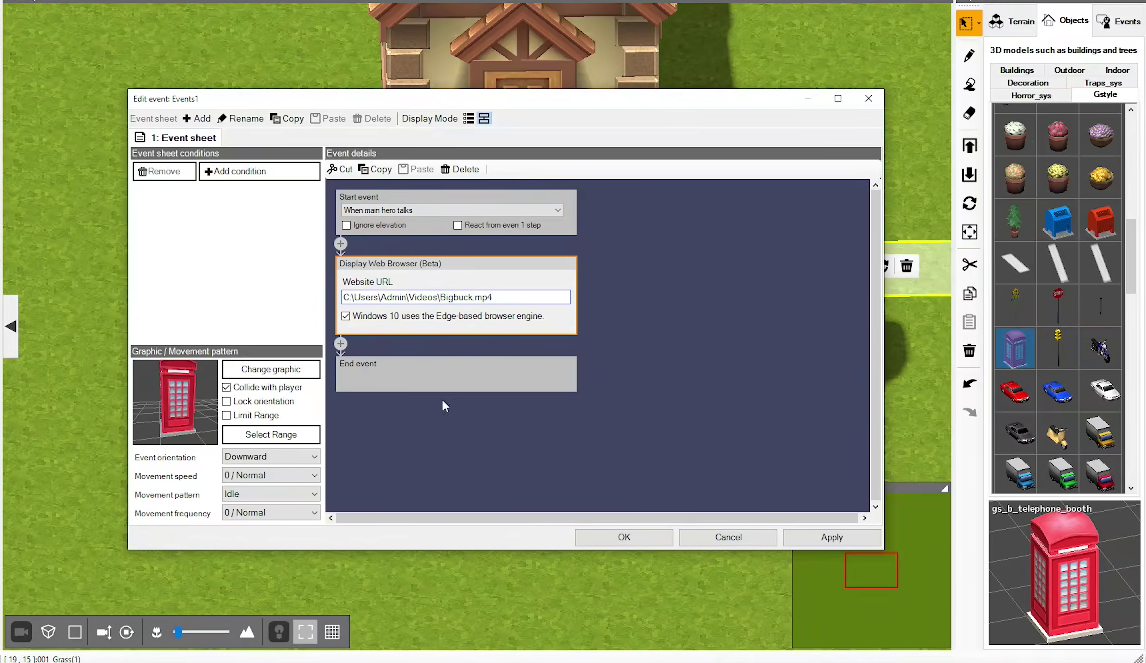
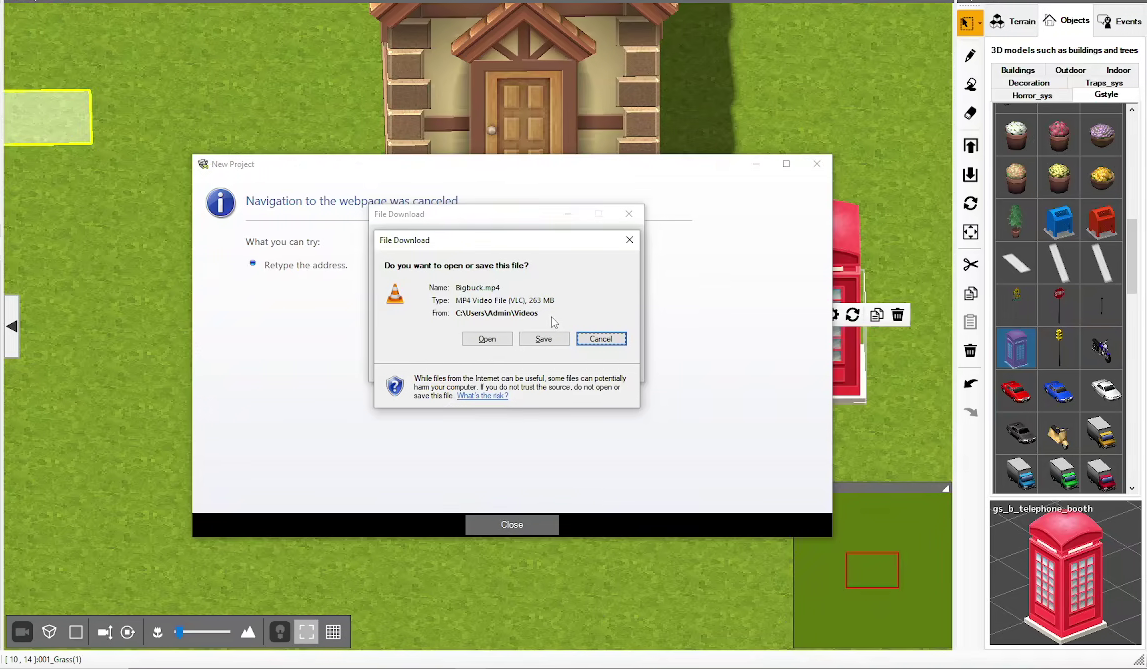
Now edit the event manually and add a "Display Web Browser" event, then, instead of having it show an url point it to a local file. If you point it towards a video file it will fail immediately though, it will either display a downloand or outright crash.
Picking Display BrowserPointing to a local video fileVideo file fails to load
Therefore what you need is a local website.
Creating an html with a player
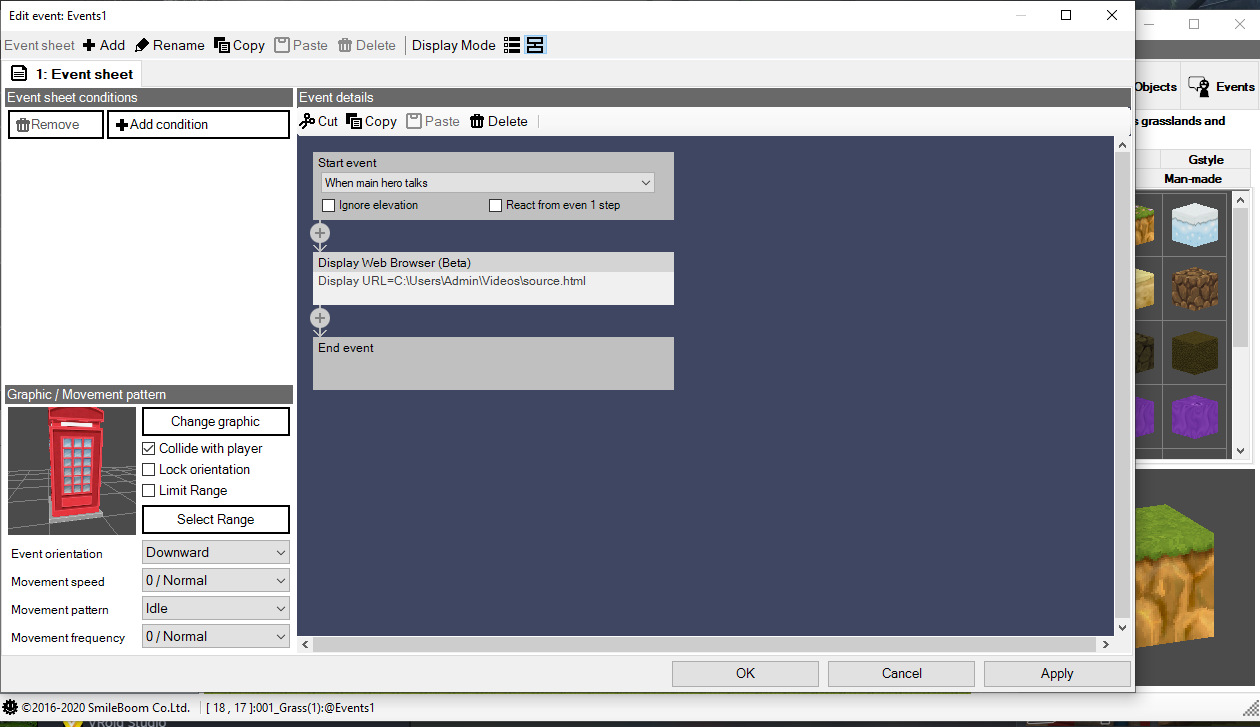
Instead of having the game pointing to a video file, have it pointing to an html file like this:
What does the source.html file contain? After a few iterations the shortest and most efficient code I came up with was this:
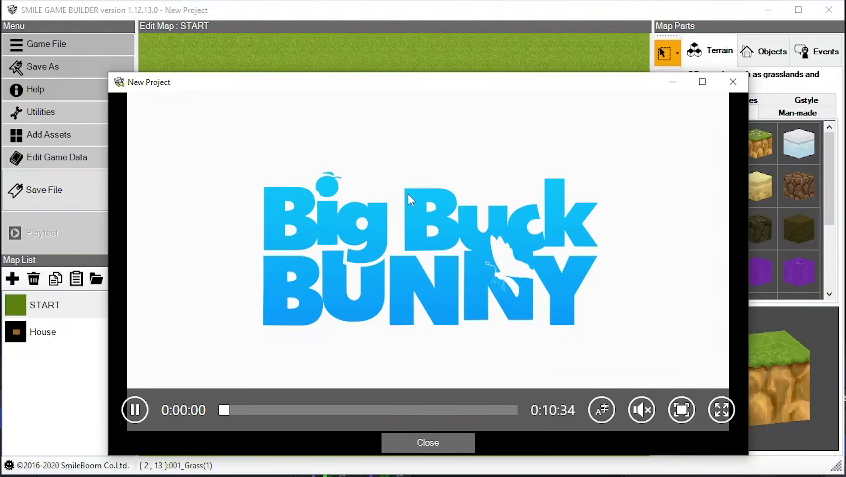
All it needs is for the video to be in the same directory as the html file. This will allow not only for the video to load but will also give users video controls and if the players desire to watch the video full-screen, it will resize with the frame.
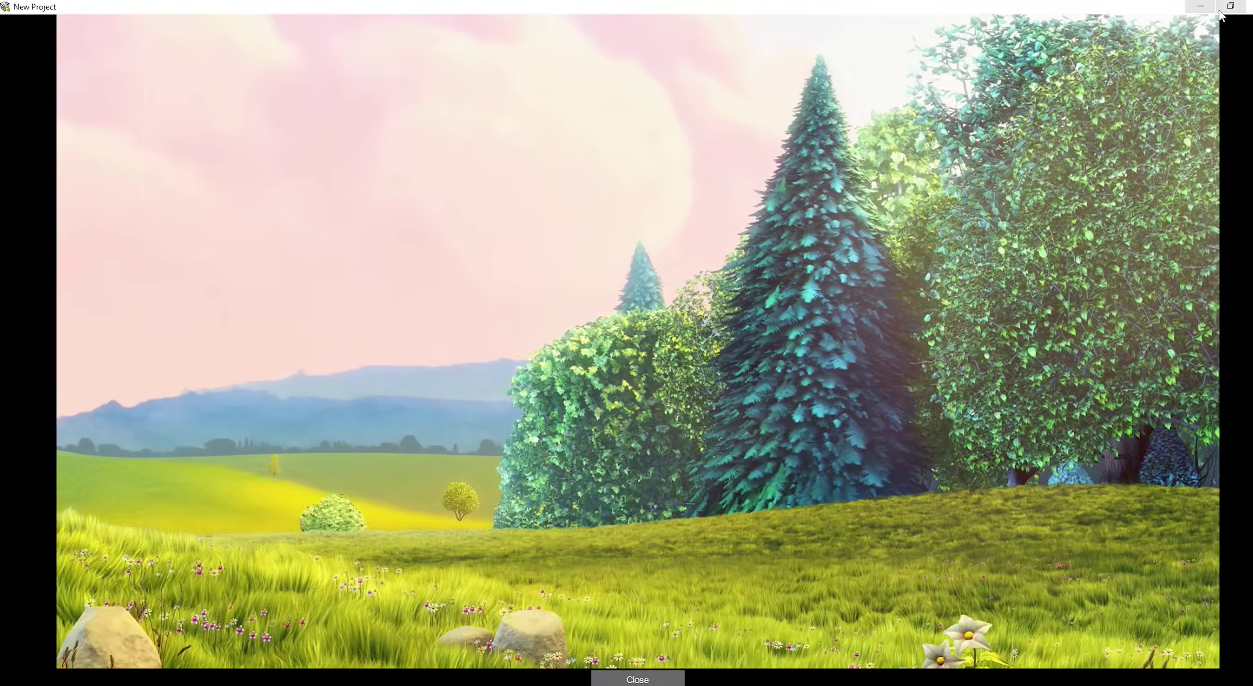
Video with controlsVideo resizing with frame
It's very important you use the video class and not iframe, otherwise this will not work, it may work for you but for other users it may cause the video to pop up as a download as shown in the failure above.
When packaging the game make sure to use an installer that handles placing all of the project files in a non-user directory (E.g. C\Program Files\My game) as otherwise the path will break and there really is no solution for it due to how limited the engine is.
Other applications?
Honestly since it's a browser function there's a lot of things that you can do with this, and idea I saw was using it for books in a library and another one for games in an arcade, just keep in mind whatever you do will be completely isolated to the game and the game has no method of reacting to whatever you do in the browser due to how limited it is.