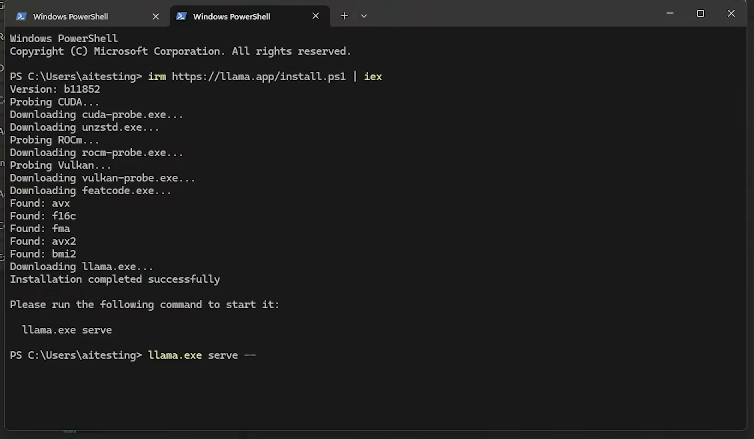
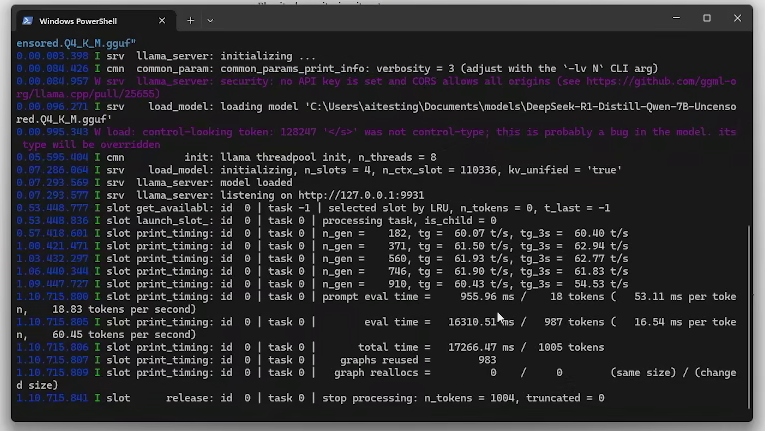
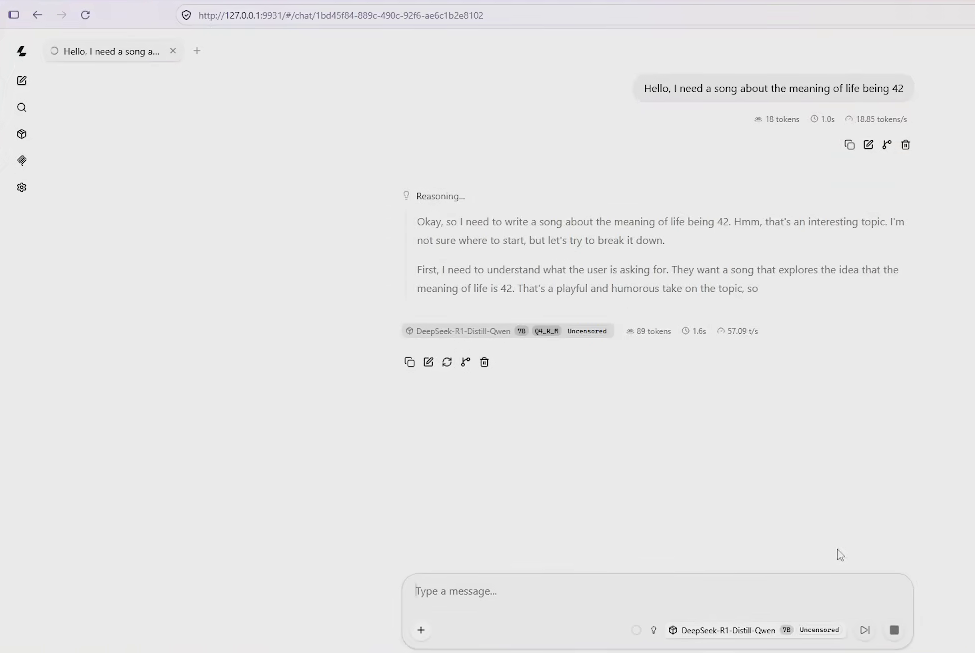
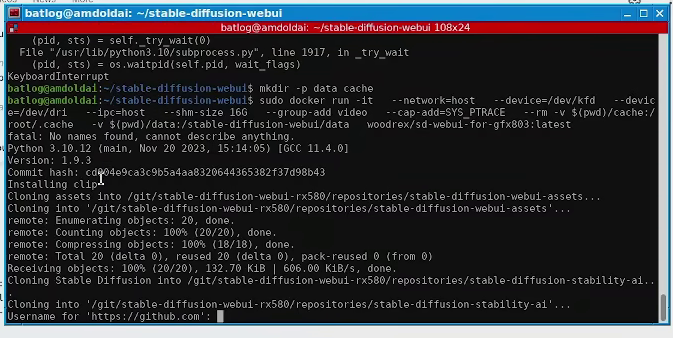
The AMD, Radeon and RDNA logos are registered trademarks owned by their respective copyright holders and are only used in this article for informative purposes
Deploying local LLM's on 3 generations of AMD GPU's using different software stacks in 2026 (RDNA 3 - HIP, Polaris - Vulkan, RDNA 2 - Zluda)
A couple of years ago I had previously tried to run local models on my AMD GPU's and frankly I was disappointed with both the performance and the difficulty involved in running them (Particularly my Polaris card).
Recently however, I found a repository that claimed to be able to run a simplified model of Qwen3.8 in my best PC, and I was shocked at how (relatively) painless it was compared to a couple of years ago when AMD was absolutely set on only making ROCM/HIP available for enterprises and you had to hack together about 4 different packages from the AUR (They are still set on that path but at least they have now provided official packages from the Arch repos that people have managed to make simple workarounds for). That got me into thinking, how hard is it to run AMD cards these days?
Originally I had intended to run RocM/HIP on all of my cards and it worked without major headaches on my RDNA 3 and RDNA 2. However, when it came to the Polaris card I have I came to the conclusion it would be borderline impossible unless I found someone that had saved a very specific local docker container with all dependencies resolved (See addendum 1). Therefore, I decided to use different API's to see how easy it is to work with them. Here are my cards and what I used:
Card
Architecture
Software stack
Software/ WebUI used
Notes
RX 7900 XT
RDNA 3
RocM/HIP
Text: Strata - Qwen IQ3_S
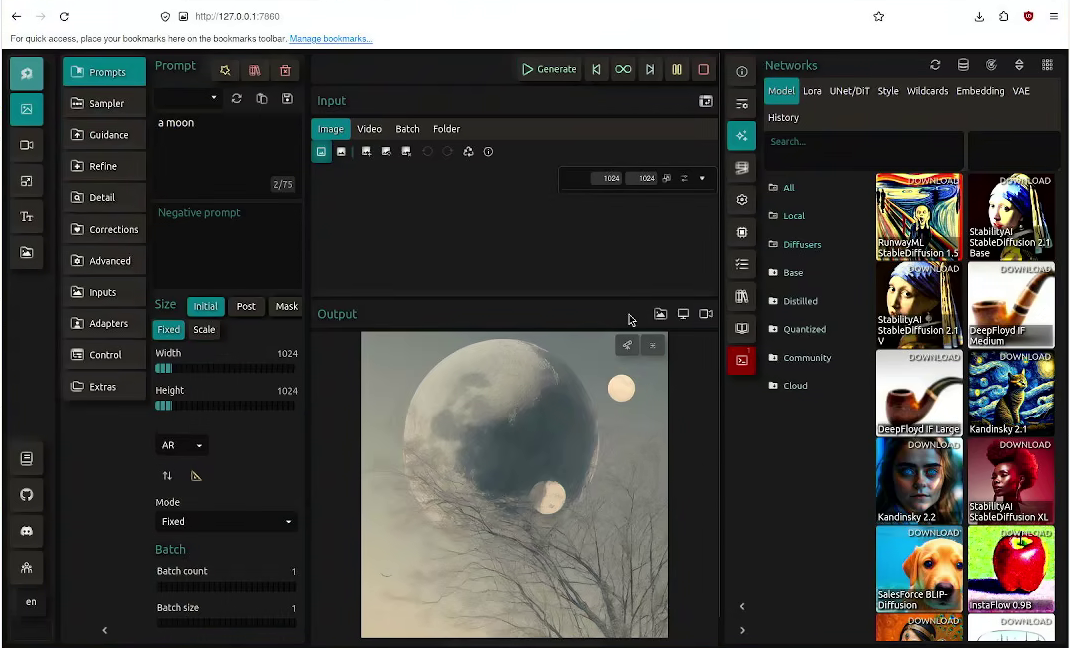
Images: SDNext (SDXL)
Not to be confused with an RX 7900XTX, this card only has 20GB of VRAM.
"RX 580 2048 SP"
Polaris
Vulkan
Text: llama.cpp - Deepseek uncensored 7B
Images: stable-diffusion.cpp (SDXL)
Please note the quotation marks, this is a rather rare card from Aliexpress with 16GB of VRAM (I believe Dawid does tech stuff covered one on youtube?). Personally I don't believe this is an RX 580, I believe it's an MI6 that was flashed with a 580 SP VBIOS and soldered video output but whatever (This is why the article has an oddware tag btw).
RX 6700 XT
RDNA 2
ZLUDA
Images: SDNext (SDXL)
Text wasn't attempted.
A couple of years ago Zluda was the easiest platform to work with if you had an 'unsupported' AMD card, luckily that's no longer the case and this card can be used with HIP by just exporting an environment variable.
Oddly enough I also ended up configuring my environments in three different OS (Arch, Devuan and Windows), so this article ended up as a different set of deployments.
RDNA 3 and HIP (RX 7900XT with Strata and SDNext)
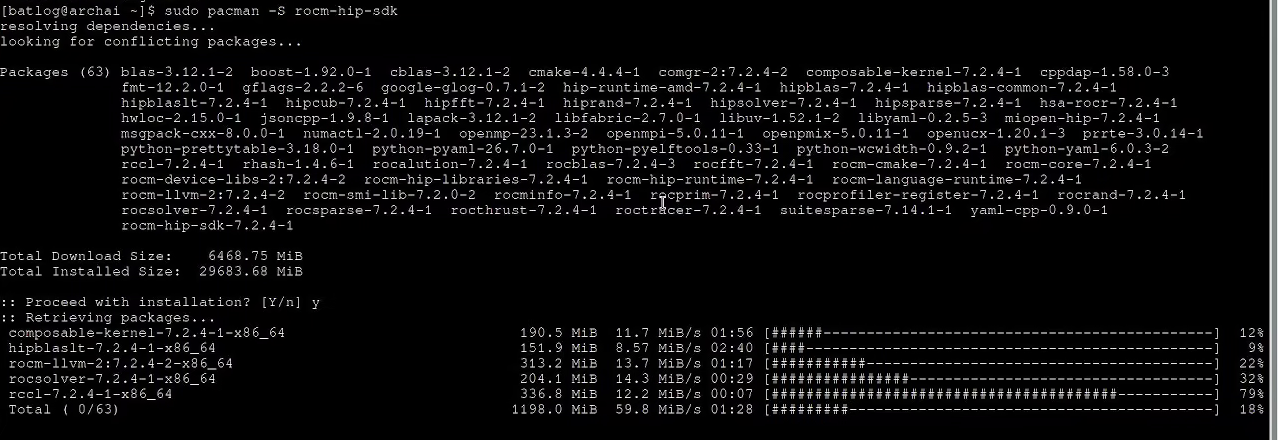
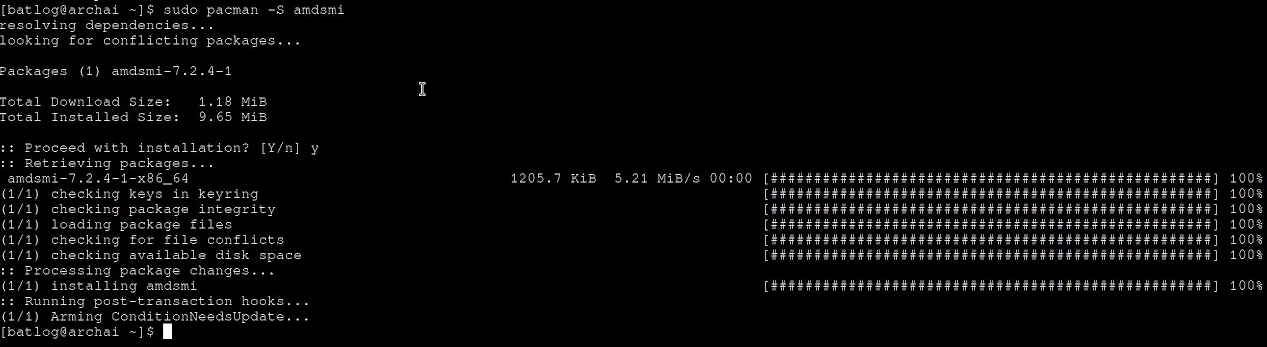
For starters, I installed Arch Linux. The reason why I did Arch is because a couple of years ago I remember setting up supported HIP/ROCM cards like my 7900XT was relatively easy (Albeit, requiring use of AUR packages). These days I was pleasantly surprised when I found a couple of official packages ready to go, no AUR or anything, I just installed the HIP SDK (Which was a massive file) and amd-smi for monitoring.
I rebooted and afterwards everything seemed to be working fine?. Surely it cannot be that easy, right...?
... Of course not.
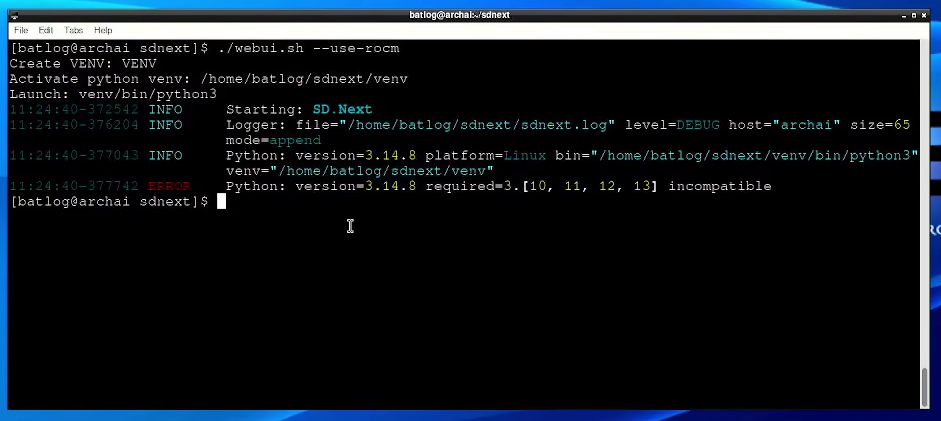
Basically when trying to run SDNext, it immediately told my version of python was unsupported, I didn't install Python but apparently Arch has adopted the bad practices of Ubuntu and incorporated python into the core systems (Not a fan), which means I cannot just roll it back. This means I had to use the AUR to install an alternate version of python (In this case I'm gonna use 12), a couple of years ago I wouldn't have minded but these days the AUR has become a source of malware. Whatever, I'll push through and just kill the internet connection in my machine, then make an audit of everything.
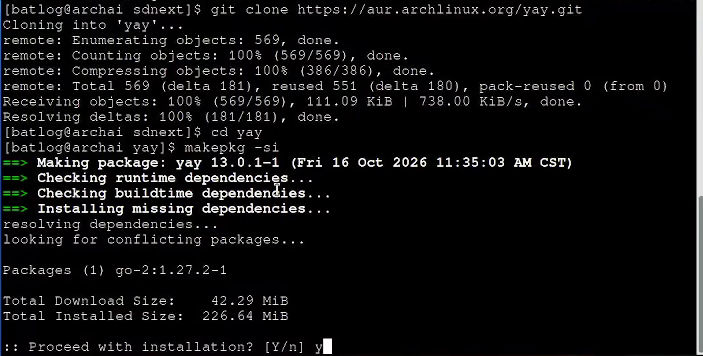
To use packages from the AUR you need a helper to serve as a package manager, I'll use yay.
git clone https://aur.archlinux.org/yay.git cd yay makepkg -si
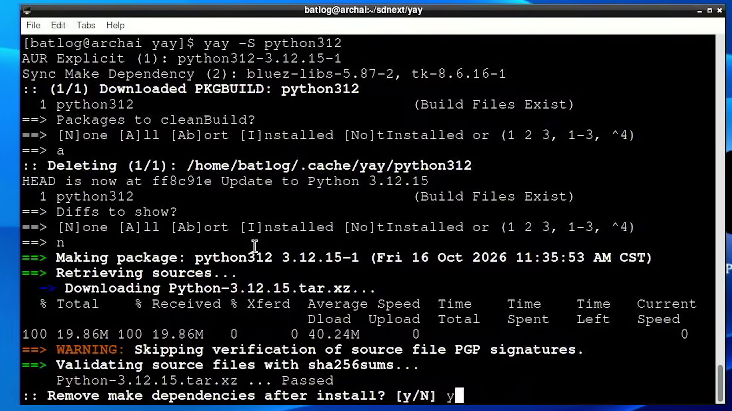
Afterwards, Install python 12.
yay -S python312
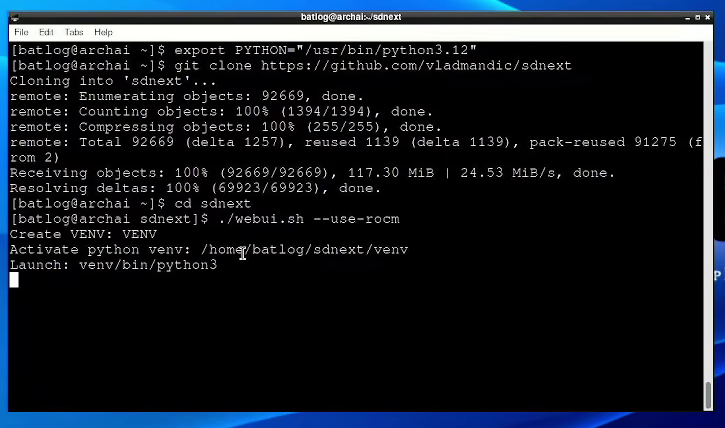
After you finish installing python 12, your system will continue to use python 14 for everything, therefore you must export an environment value and execute your program as shown below with SDNext.
$ export PYTHON="/usr/bin/python3.12" git clone https://github.com/vladmandic/sdnext cd sdnext ./webui.sh --use-rocm
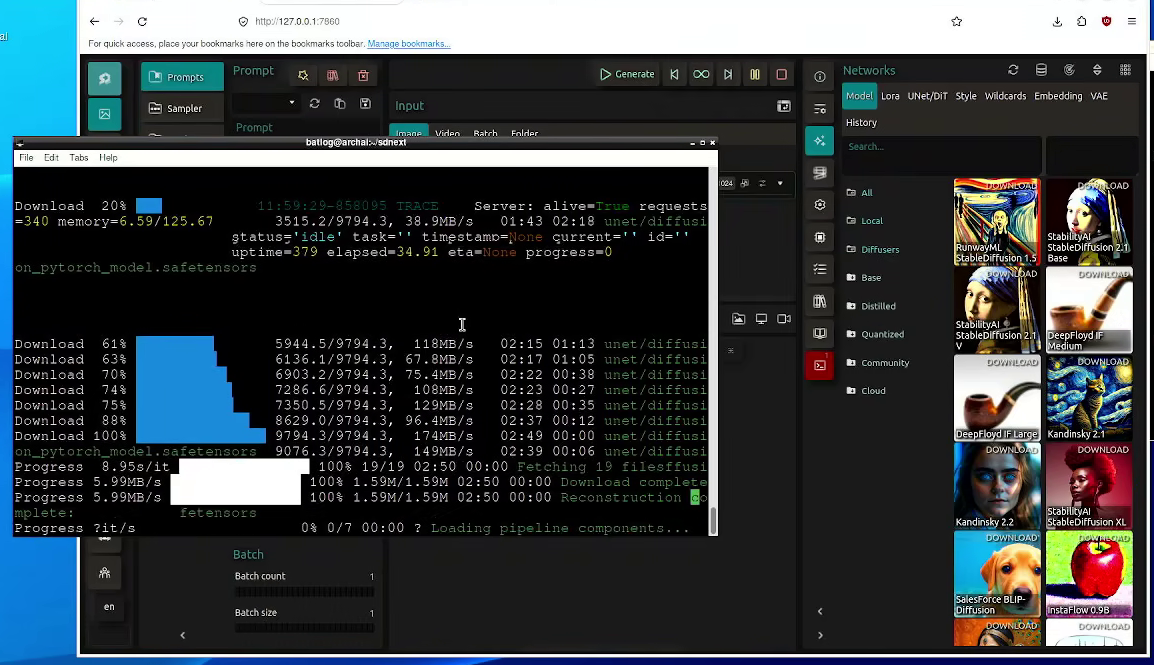
After that everything went without a hitch, no conflicts with pytorch or anything, I'm rather surprised actually.
Downloading and loading a model (this is automated)Generating an image
Afterwards I decided to move to trying out Strata, as it turns out it was a good thing SDNext forced my hand to get a python version below 14 because I checked the setup script and it turns out Strata ALSO uses 12 and would've failed if I did nothing.
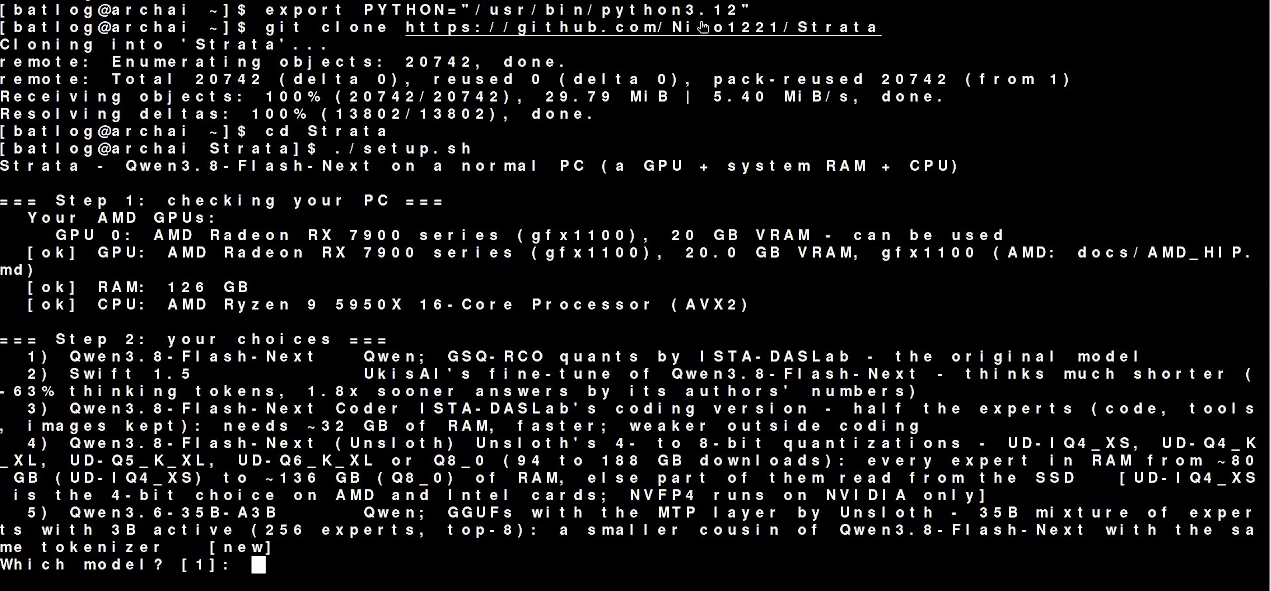
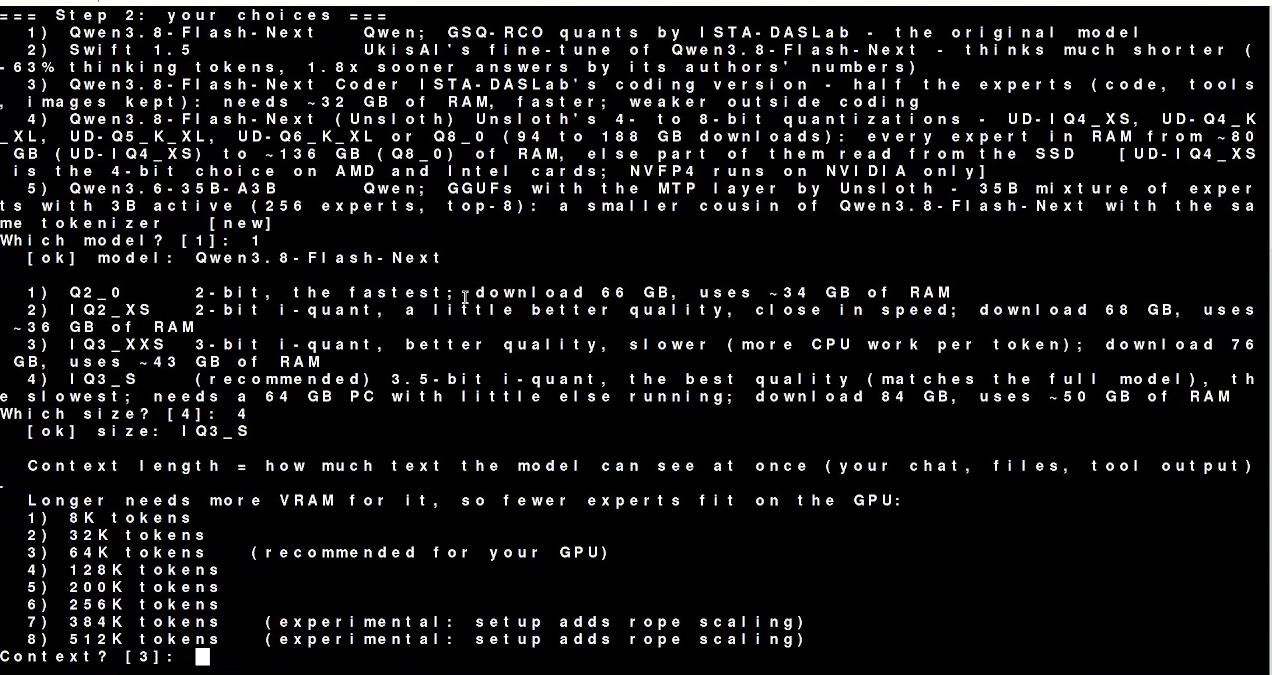
The whole setup was also surprisingly painless and automated, I just ran the cloned the repo and ran the script, the script guided me all the way through on which options were the best for my card.
$ git clone https://github.com/Niko1221/Strata cd Strata ./setup.sh
Cloning the repo and running the scriptGuided installation of Strata
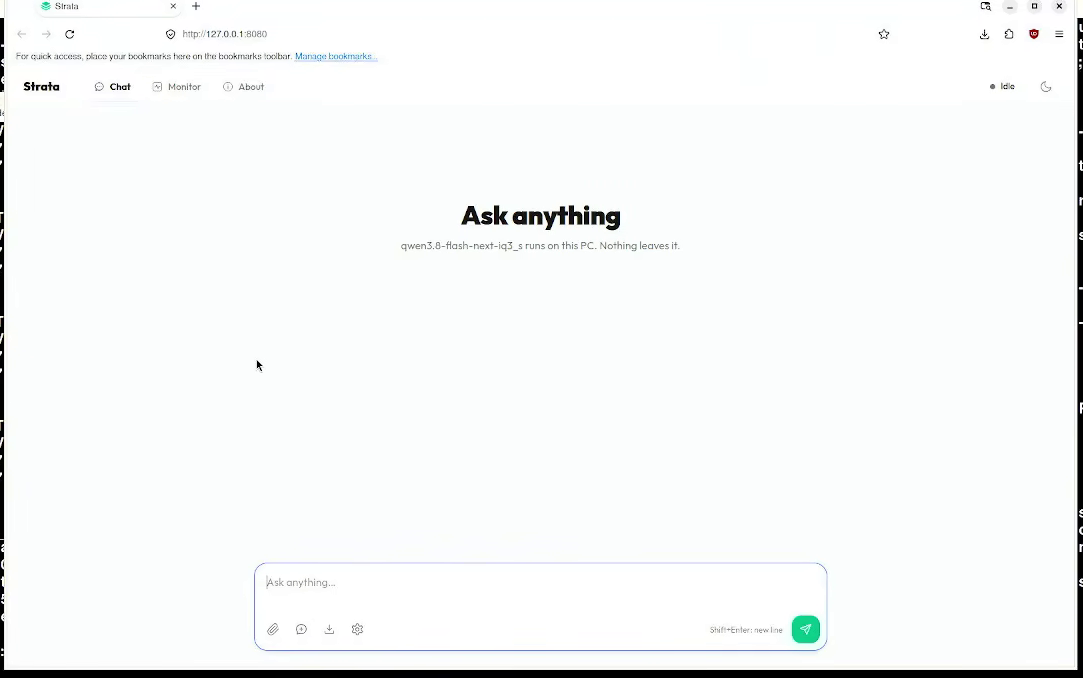
It took a while to install but after about 10 minutes a local llama.cpp with Qwen IQ3_S loaded automatically with my default browser (Bear in mind this will likely fail if you're running anything on port 8080 unless you edit the setup file).
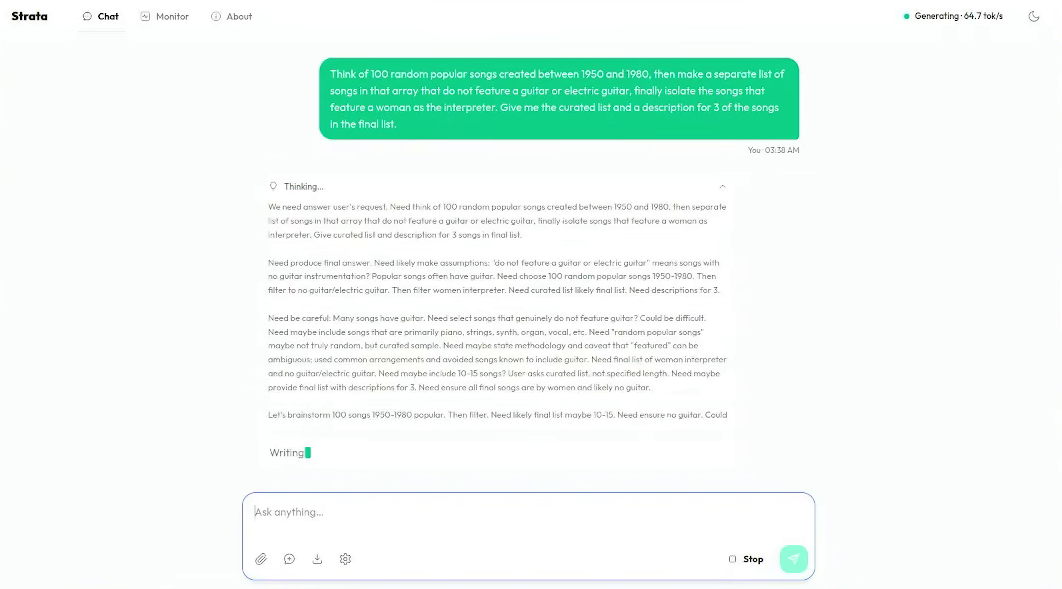
Afterwards, I just ran a test prompt. Qwen 3.8 is a programming model but I just picked a prompt I thought it would struggle with (It took 10 minutes!). I always pick prompts related to music when testing because I've noticed most models aren't exactly music-oriented.
Prompt: Think of 100 random popular songs created between 1950 and 1980, then make a separate list of those songs that don't feature guitar or electric guitar, Finally isolate the songs that feature a woman as an interpreter. Give me the curated list and a description of 3 songs in the final list.
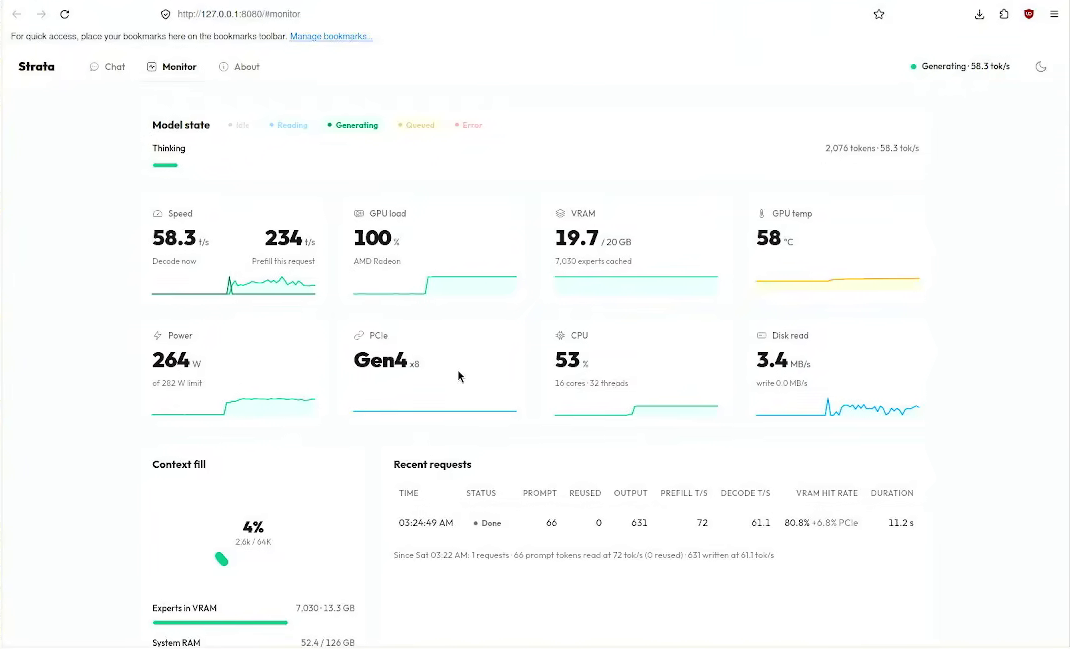
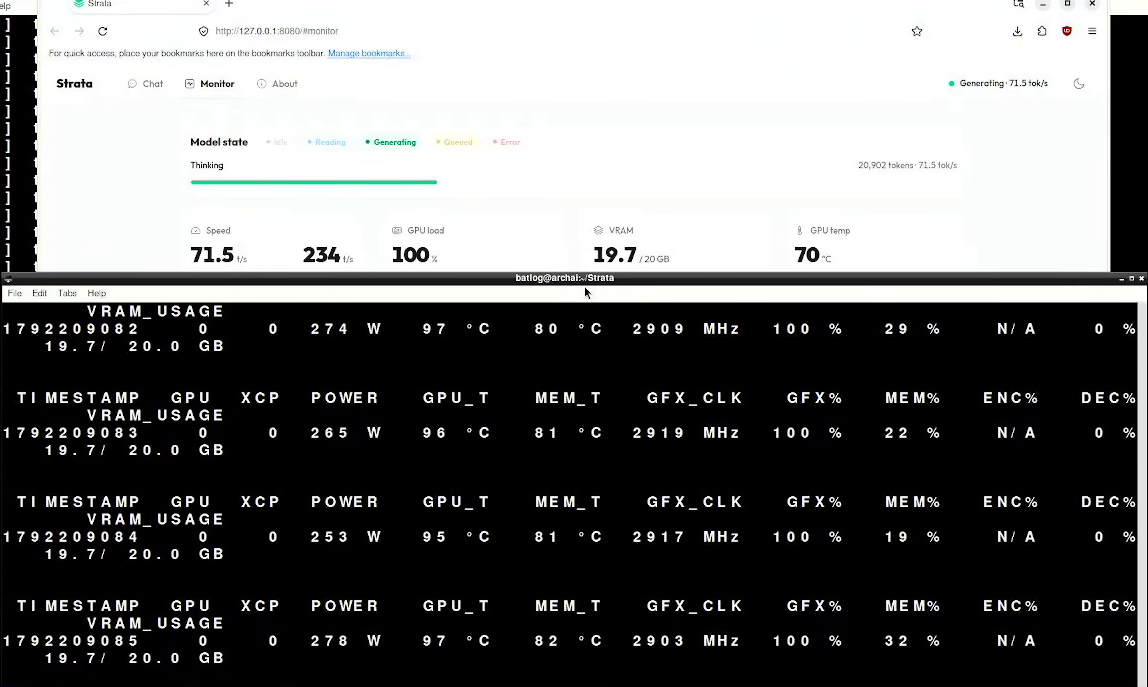
At this point all I had to do is monitor the program and make sure that it's actually using the GPU. It was here that I noticed a flaw in the program, it falsely reports the temperature of the GPU by a significant margin. So, make sure to keep an eye on that, I almost fried mine in the process of making this. Run the following command on a different terminal to get the real stats.
$amd-smi monitor -w 1
Strata monitoringStrata reporting false numbers in regards to temperature
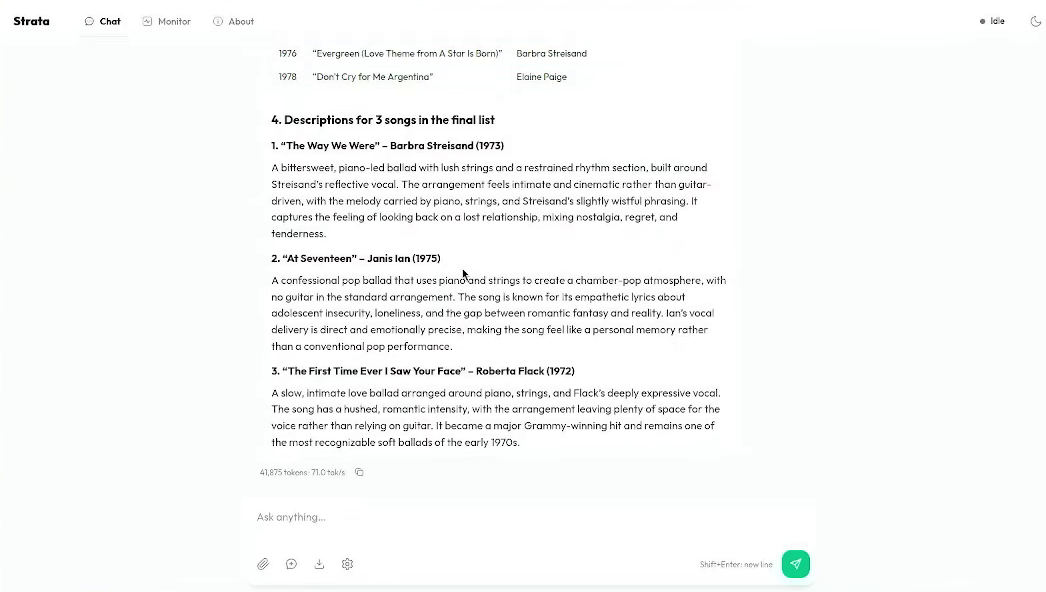
After that I just got the result I wanted, and since it didn't get stuck in loops or anything I'm gonna make use of this in the future. Once again I must reiterate how painless this was compared to how it used to be.
Correct result, the model took 10 minutes to solve the prompt.
Polaris and Vulkan (RX 580 2048 SP with llama.cpp and stable-diffusion.cpp)
For this one I'm gonna be using Ubuntu 24. The reason for this is because I off-loaded a bit of memory from the GPU using an SM768 USB dongle to render graphics and I had no idea if it was compatible with the latest Ubuntu version (Which gives me a lot of pain running esoteric devices like the Coral TPU I covered in another article).
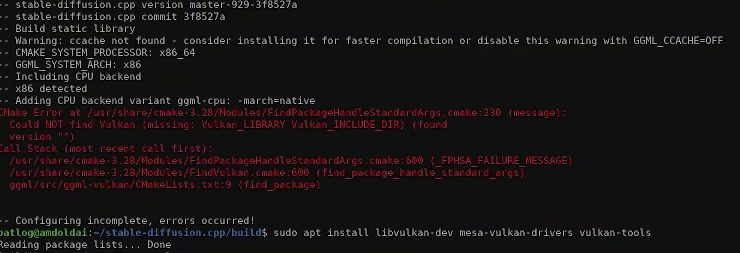
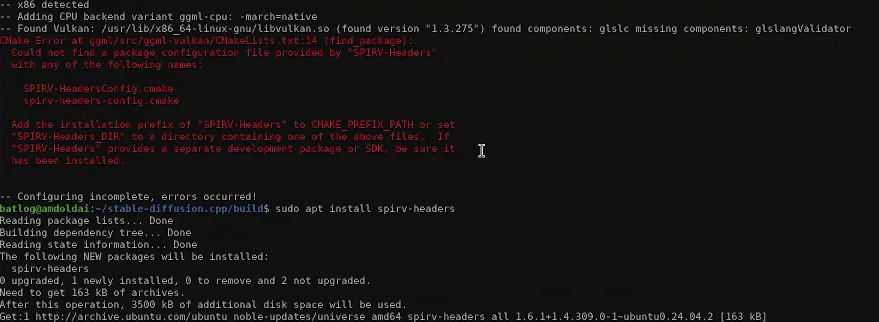
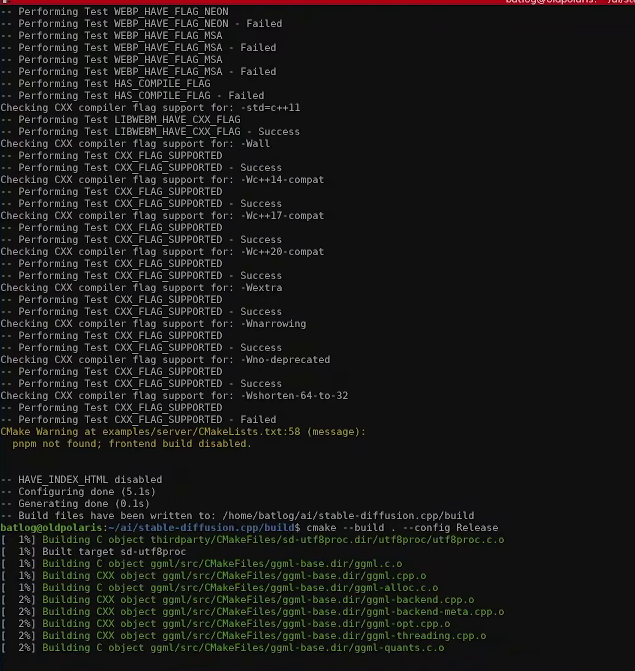
I started with stable-diffusion.cpp but starting there are a few dependencies that I had to resolve that I wasn't aware of because they don't list them in their official guide. I'm listing them bellow.
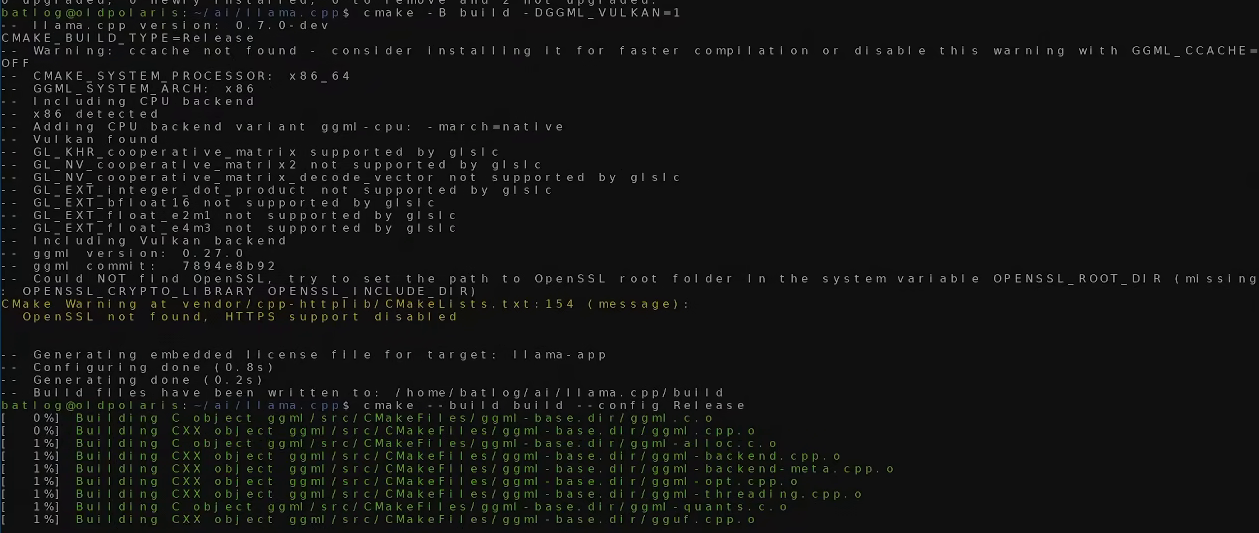
(After that completes) cmake --build . -- config Release
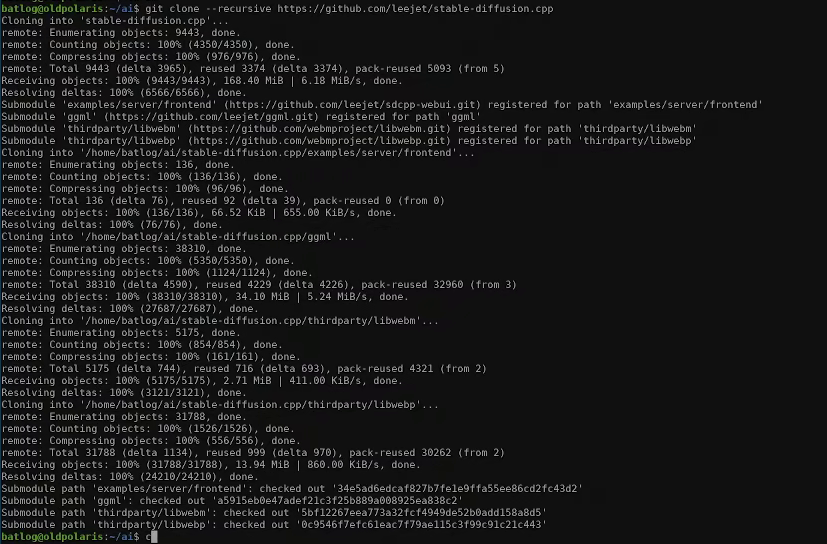
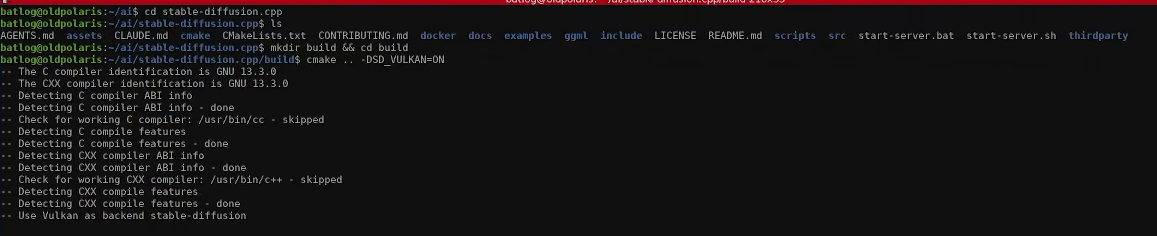
Cloning the repoPreparing cmake with the vulkan branchBuilding the package
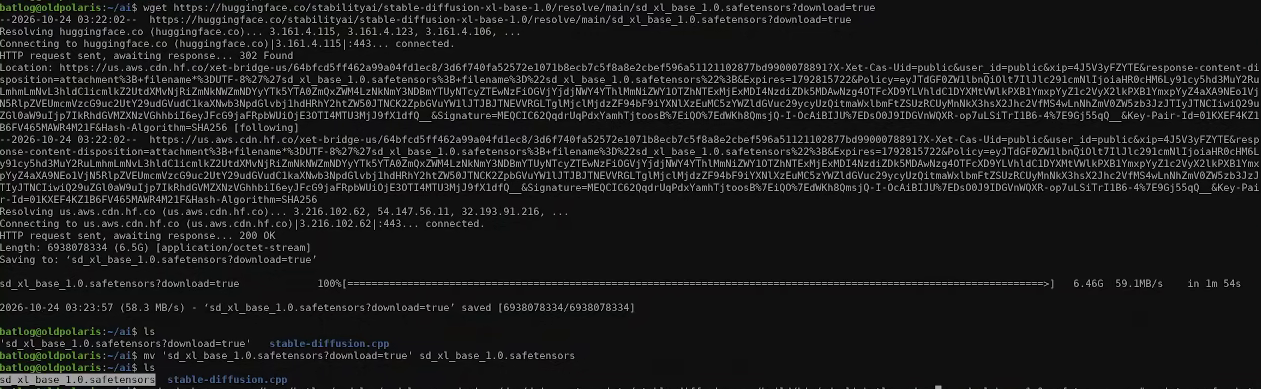
Now, by default stable-diffusion.cpp doesn't have a GUI and I didn't see the point in installing one since that would just add extra resources to the system (Which I needed given what I'm dealing with here). So, all prompts you enter must be done manually. FIrst download a model, given my record with Nvidia cards from the era I thought it could handle SDXL without issues, so I just got the base model (Prioritise safternsor packaged models over ckpt or other formats; they seem to cause less issues) .
I made a typo here, run the command above and not the one in this image, if you do make the typo because huggingface refuses to download the model just make sure to rename the file as I did here
Now, when I first tried to do this it worked without any issues but I noticed the output images were very poor quality.
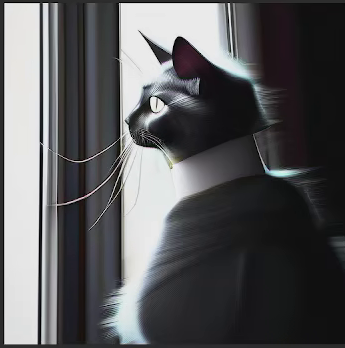
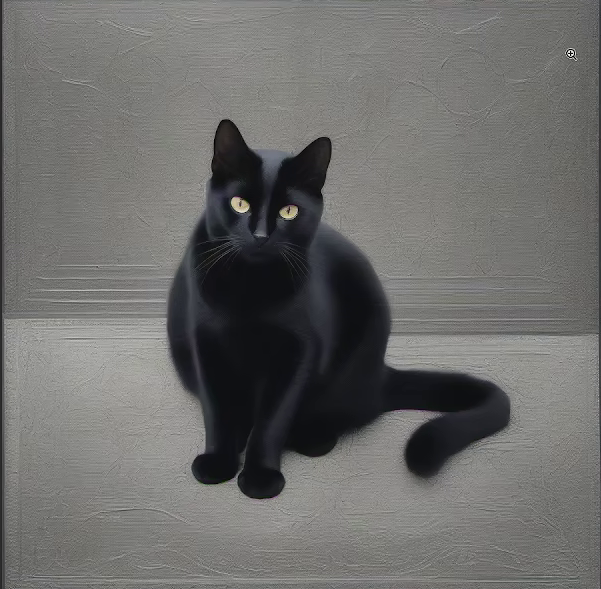
The best image I managed to generate with stock parameters using the prompt 'a black cat'
It took be a bit to figure out why but the answer was pretty obvious; stable-diffusion.cpp always defaults to aresolution of 512 x 512 and I was asking a 1024x1024 model to generate an image of an unsupported resolution, so I just asked it to make an image of 1024x1024 and finally got a nice result. (Target the 'cli' binary, I was several directories above in this example)
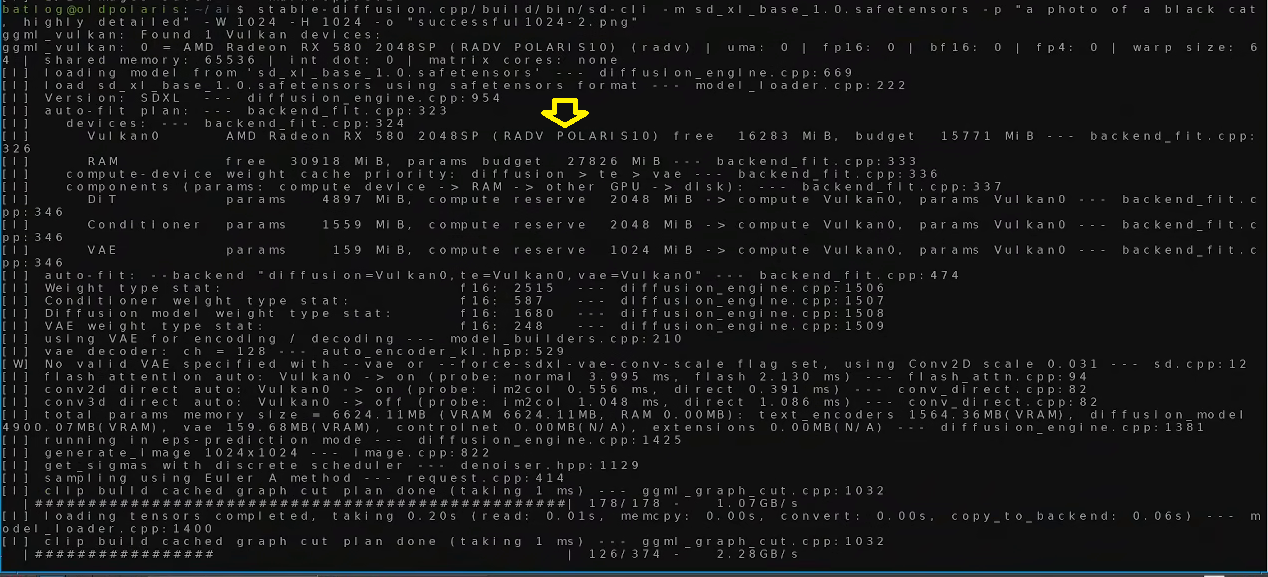
./sd-cli -m sd_xl_base_1.0.safetensors -p "a photo of a black cat, highly detailed" -W 1024 -H 1024 -o "successful.png"
A quick explanation:
-m = model to load, please note you can select a different directory
-p = prompt
-W = Width
-H = Height
-o = output file, please note you can select a different directory
Please note that it's making use of your GPU as shown
I'm not gonna lie, it took a while (165 seconds/2m 45s for a single image!) but honestly the result wasn't bad at all.
Should've specified a background though...
Now for generation, I picked llama.cpp once again with the Vulkan backend, it uses the same dependencies as stable-diffusion.cpp so I didn't have to bother with that.
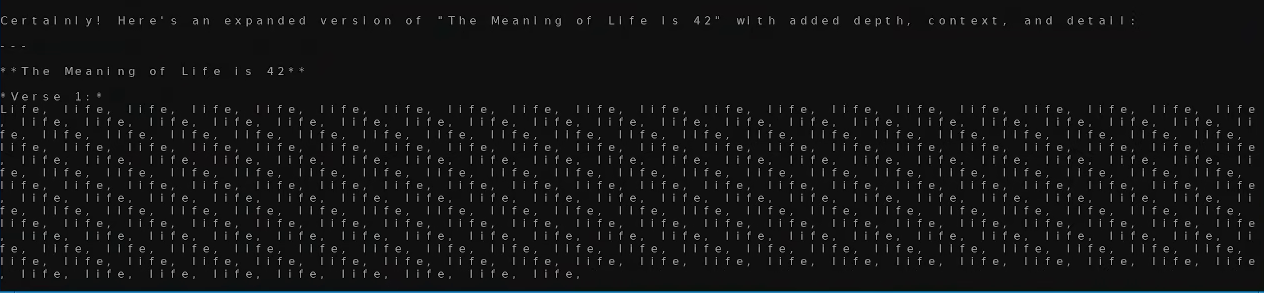
I tested with it for a while using a Q4 7B model and I came to the conclusion it would be able to run the whole model without quantification (Make sure it's a gguf model). My first test wasn't all that successful to be honest.
I think this happened because I was using an uncensored model and it tried to make a joke about the meaning of life being 42 by repeating the word life 42 times but it got stuck in a loop. My second attempt was more successful. (Once again, aim for llama-cli, it uses similar commands to the stable-diffusion.cpp).
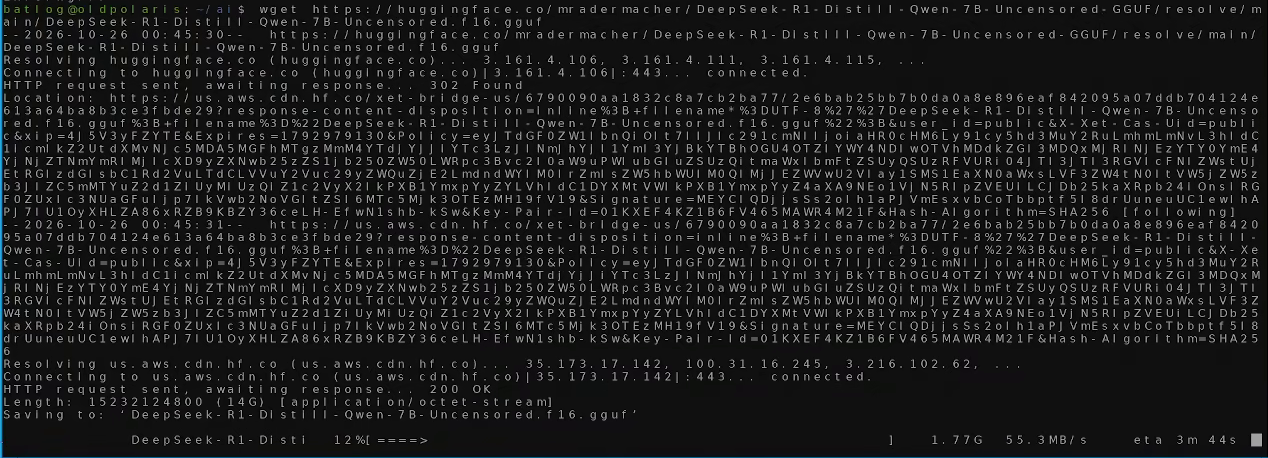
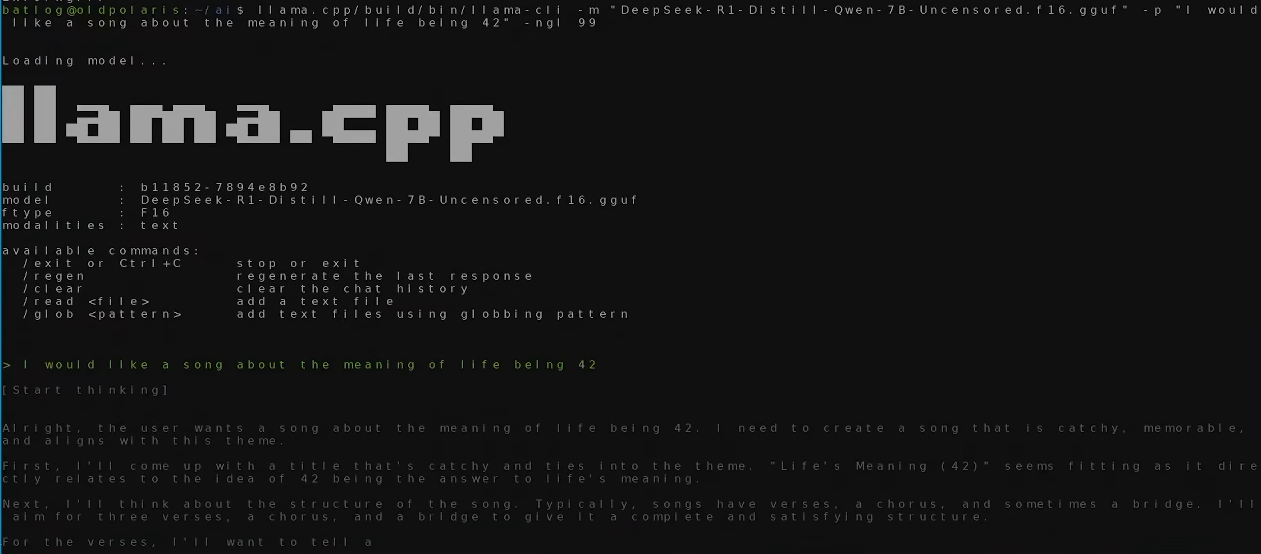
llama.cpp/build/bin/llama-cli -m "DeepSeek-R1-Distill-Qwen-7B-Uncensored.f16.gguf" -p "I would like a song about the meaning of life being 42" -ngl 99
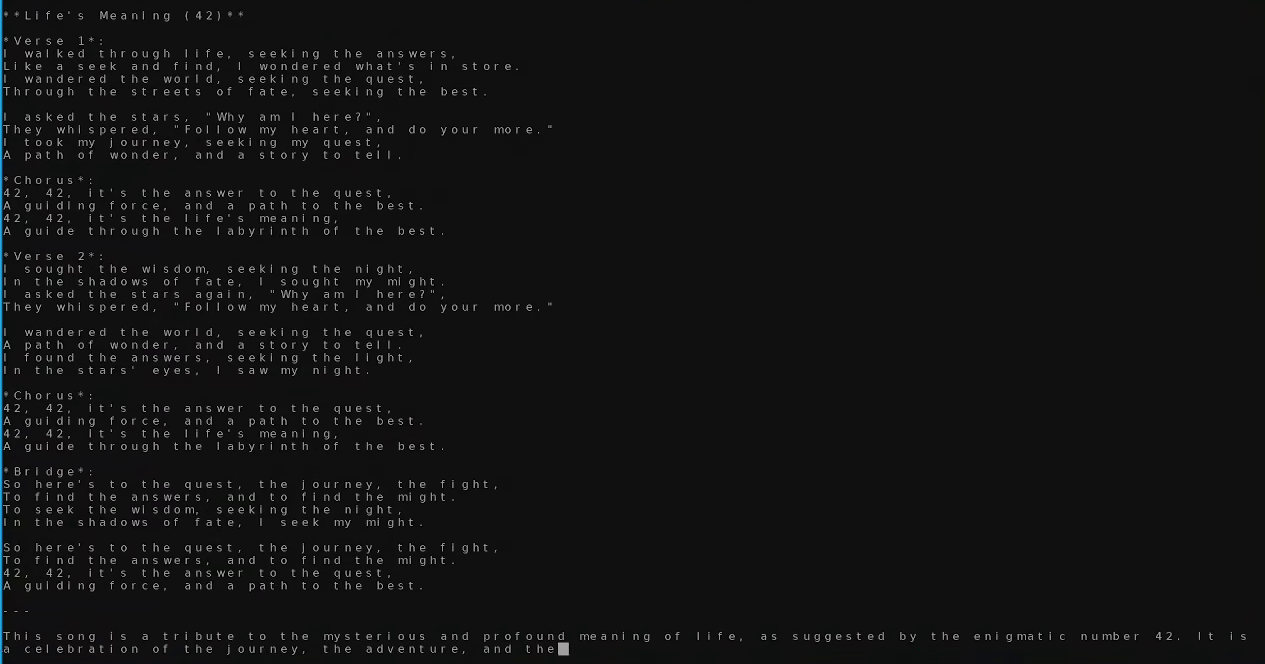
Acquiring a modelRunning the model
A 'meaningful' song
Overall I don't consider this to have been a bad experience text generation on a 7B model took 42 seconds and I get the feeling it could handle bigger models, I'm not sure if I'd recommend it but if a Polaris card is all you have you can get-by fine as long as you don't expect much from it.
RDNA 2 and ZLUDA (RX 6700XT with SDNext)
Please don't do this, it's abysmally slow, abandoned and in general a waste of time. Use HIP with the environment variable below or use Vulkan.
HIP environment variable:
$ HSA_OVERRIDE_GFX_VERSION=10.3.0
A couple of years ago this was legitimately the easiest way to get unsupported hardware working, these days it's honestly the worst.
As a brief explanation, Zluda is a method to get AMD and Intel cards to work with CUDA. It's honestly brilliant but shortly after everyone started using it people started making hacks to get HIP to load unsupported hardware and IPEX got better so it was more-or-less abandoned at least for this particular use-case (I think it's still very much in use for DaVinci resolve?). Doing this was bizarre it was the exact method I used 2 years ago and the version of SDNext I ran was also 2 years out of date.
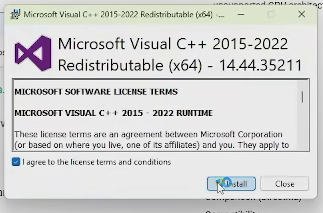
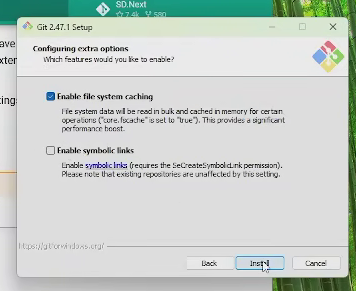
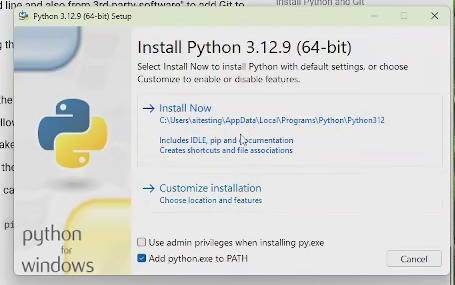
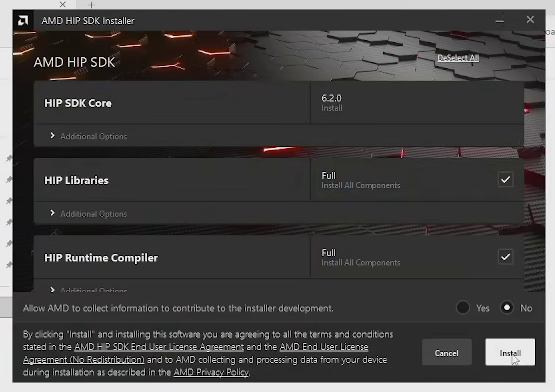
So, for starters I had to use WIndows as SDNext has no support for ZLuda on Linux. The installation is relatively simple. First, Download and install the dependencies, there's four of them: Git for Windows, the C++ redistributable, Python 12 and the AMD HIP SDK (SDNext requires version 6.2.4). All installers are very straight-forward and just press 'Next' Constantly. After completion reboot the PC.
Installing C++ redistributableInstalling Git for windowsInstalling python (Make sure to check add to path)INstalling the Hip SDK 6.2.4
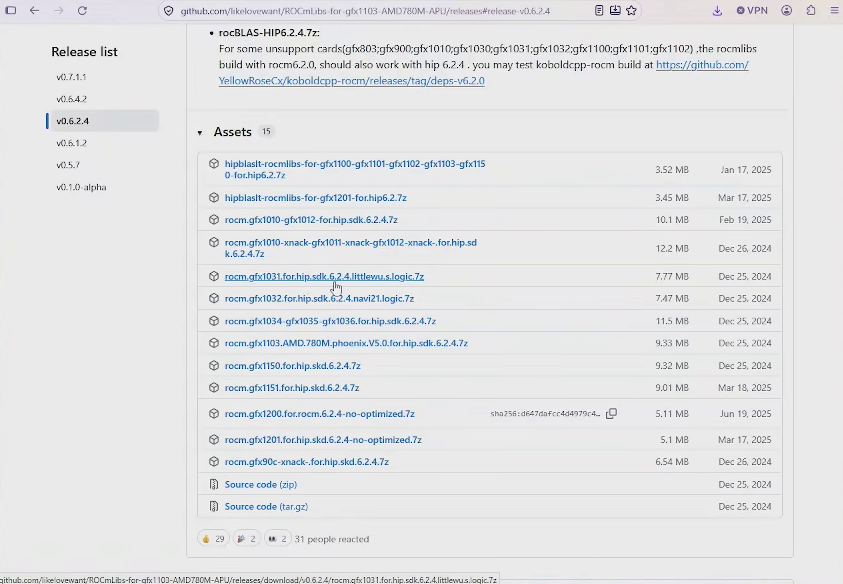
After reboot download the unofficial HIP files for windows located at github.com/likelovewant/ROCmLibs-for-gfx1103-AMD780M-APU/releases#release-v0.6.2.4 (The file changes depending on your graphics card, for my 6700XT it was gfx1031).
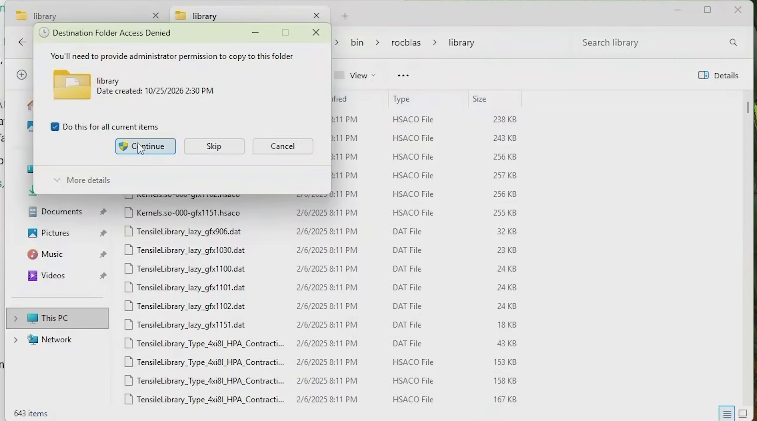
Extract the files and overwrite the contents at C:\Program Files\AMD\ROCm\6.2\bin\rocblas\library with the folder library inside the zip, ignore the dll in the root directory you don't need it. After doing this, reboot the machine again.
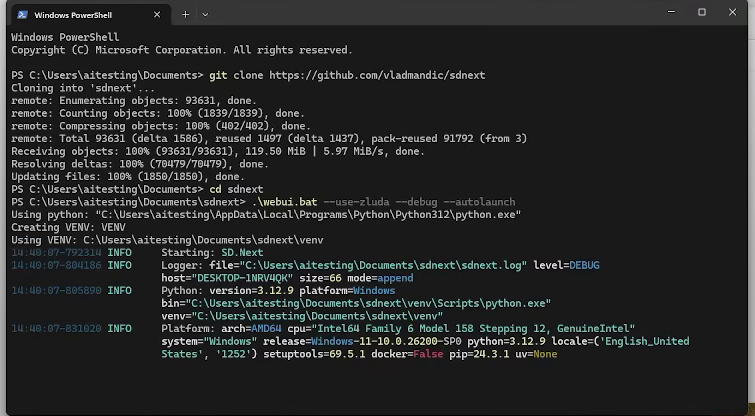
Now you can clone and start SDNext, just open powershell in a directory your user owns and run git clone. SDnext recommends running zluda with debug and autolaunch.
git clone https://github.com/vladmandic/sdnext cd sdnext ./webui.bat --use-zluda --debug --autolaunch
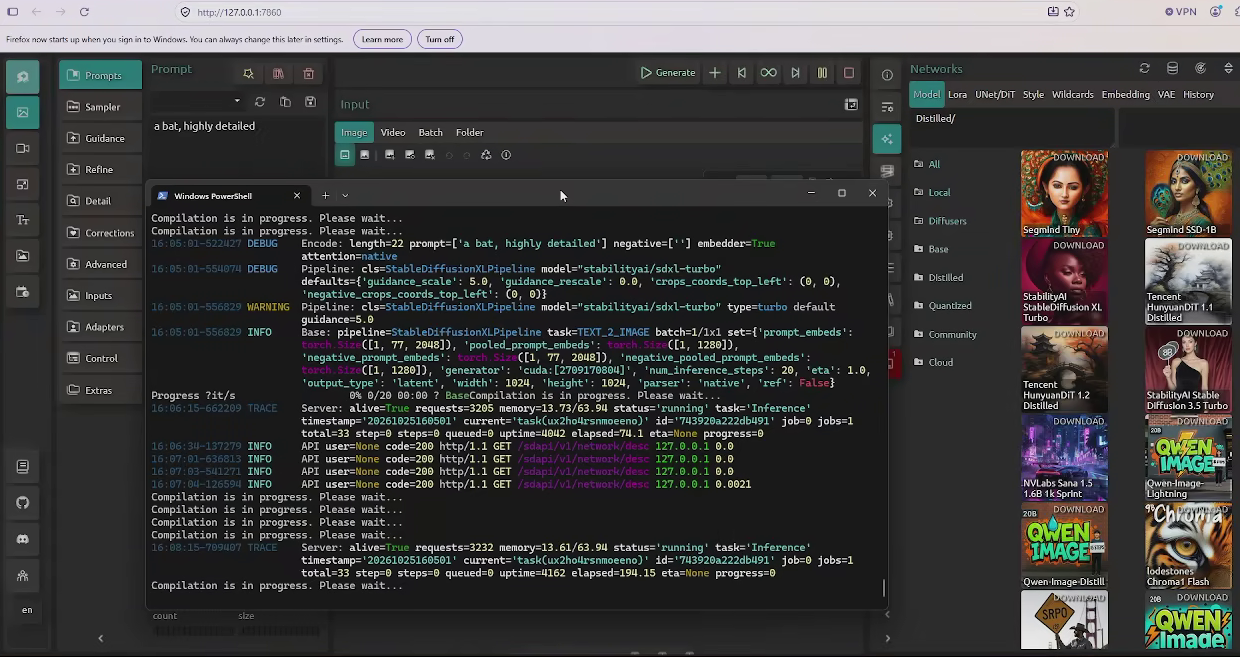
This took forever and when it finally stopped I noticed the interface was showing only old models. I tried loading the SDXL model and the terminal constantly showcased 'Compilation in progress, please wait'.
I clocked this, from starting the program to being allowed to make use of it, it took 1 hour and 2 minutes! (JFC).
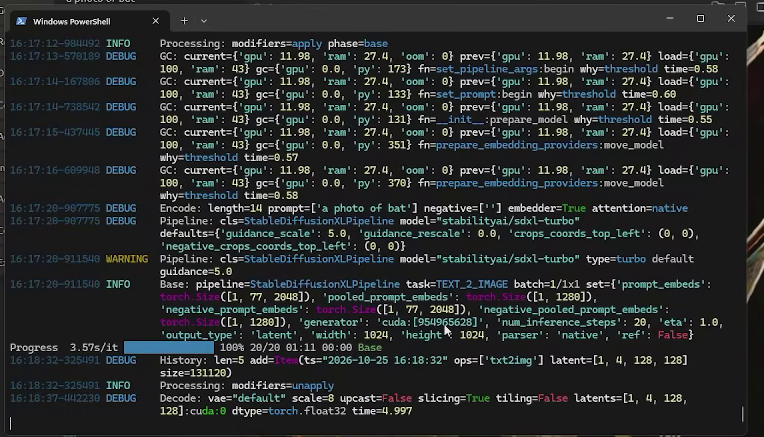
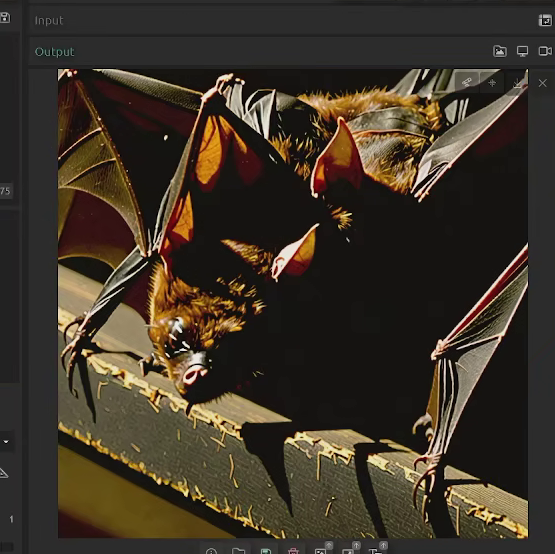
It gets worse though, Image generation took 1.11 minutes (Which to be fair is about half the time of the Polaris card) and frankly it was worse quality than the Polaris card.
1 Minute 10 seconds for a single imageUnderwhelming results, prompt: a photo of a bat
At this point I tried running llamacpp but I noticed it wasn't making use of the GPU.
Installing ollama on windowsLoading a model, terminal shows CPU not in usellama working
I read about this and apparently llamacpp is only compatible with ROCM Version 6.4, which not only would break the SDNext install but it's also experimental and requires special configs. I'll be honest I didn't care fixing this given how long it took last time and the underwhelming results, just use HIP on Arch or Vulkan in your favorite Linux Distro, I don't think this is worth it.
Conclussions
Honestly AMD support for LLM has gotten better than where it was a couple of years ago and the Vulkan support is a godsend for older cards (Both AMD AND Nvidia). I have a couple of ideas for projects in mind based on that in the near future that I wouldn't have thought possible and I find the performance to be pretty good, maybe not as good as Nvidia but right now AMD cards are actually affordable so I think they're a good choice if you want to get into LLM (Especially on Linux, not so much for Windows).
Addendum 1: Polaris and RocM in 2026
A bit of background here, this project started with me just trying to get my Polaris card going. Now, the way it used to work in 2024 was by using a docker container that downloaded an old ROCm version compatible with Polaris.
Long story short, that is no longer an option.
Basically, stability AI pulled or privatised the 580 repository and is therefore now unaccessible to anyone that isn't them, the only way to get it working now is by asking someone that had the container running before the repo was pulled to make you a tar and install it that way. And honestly? I don't know anyone that has done this.
I don't think it would've made a lot of difference though, I remember the performance was pretty similar to Vulkan's and having to rely on a container that didn't have everything baked in was a mistake, I believe AI AMD is in a better place now even if running ROCm on Polaris is borderline impossible.