I'm writing this article to document basically everything I know about Google Coral, including how to configure a chip, because on April 19 2026 Google has archived all github repos associated with it and I get the feeling they'll shut down the apt repository any day now (It already gives a deprecated key warning). My objective is to simply make a virtual machine that acts as a preservation device, where I can just copy it into any machine and start working with the chip immediately because who knows, it may prove useful at some point in the future.
The problem with getting Coral to work in the #CurrentYear of our Lord 2026™ is twofold: The drivers will fail to load most of the time on ver. 6 of the Linux Kernel (ANY 6.x kernel version) and the fact that Google released the chips and never updated the code or anything, making it require a Python version older than 9 (The whole software stack is actually made for Python 8 which is what I used here) and having at least one pip package completely unusable in modern system, I struggled with this for a while (Probably compounded with trying to run it in a virtualized environment instead of bare-metal?) but I eventually got it to run.
Originally I had intended to put this off for a while because I remember it was a PITA to setup but me starting development of this blog also coincided with the deadline 10 days before Ubuntu ended all support for Jammy, which is the last non-RHEL-based Linux distro that I could think of that still supported the Linux kernel 5.x and apt so instead it went to the front of my priorities as this was the last time I could get a virtual machine to work with the chip in the future without major headaches.
I'll keep this guide as descriptive as possible (Including things that I usually don't find necessary to document like adding a repository or running apt install) because honestly? The way Google is treating this project makes me think this may end up as the only surviving guide on how to configure it given enough time.
What is/Was a Google Coral TPU
Coral TPU's (Tensor Processing Units) are a set of devices that Google released in 2019 in order to allow developers to run AI models for small devices.
Coral TPU's came in three form factors:
A USB dongle: Probably the most common as most Youtube videos I've seen featuring coral use these. They were commonly used with SBC's or raspberry Pis.
Different M.2 models: Keyed for PCIe or to be insterted in the slot where the wifi network card usually goes.
A dev board: A fully-featured SBC that had a Coral TPU embedded into it, despite having some of the worst specs I've seen for a SBC I've always seen it for up to 3x times the cost of a raspberry pi, it's the rarest model and I've never seen one in action (Not like I'd really want to though).
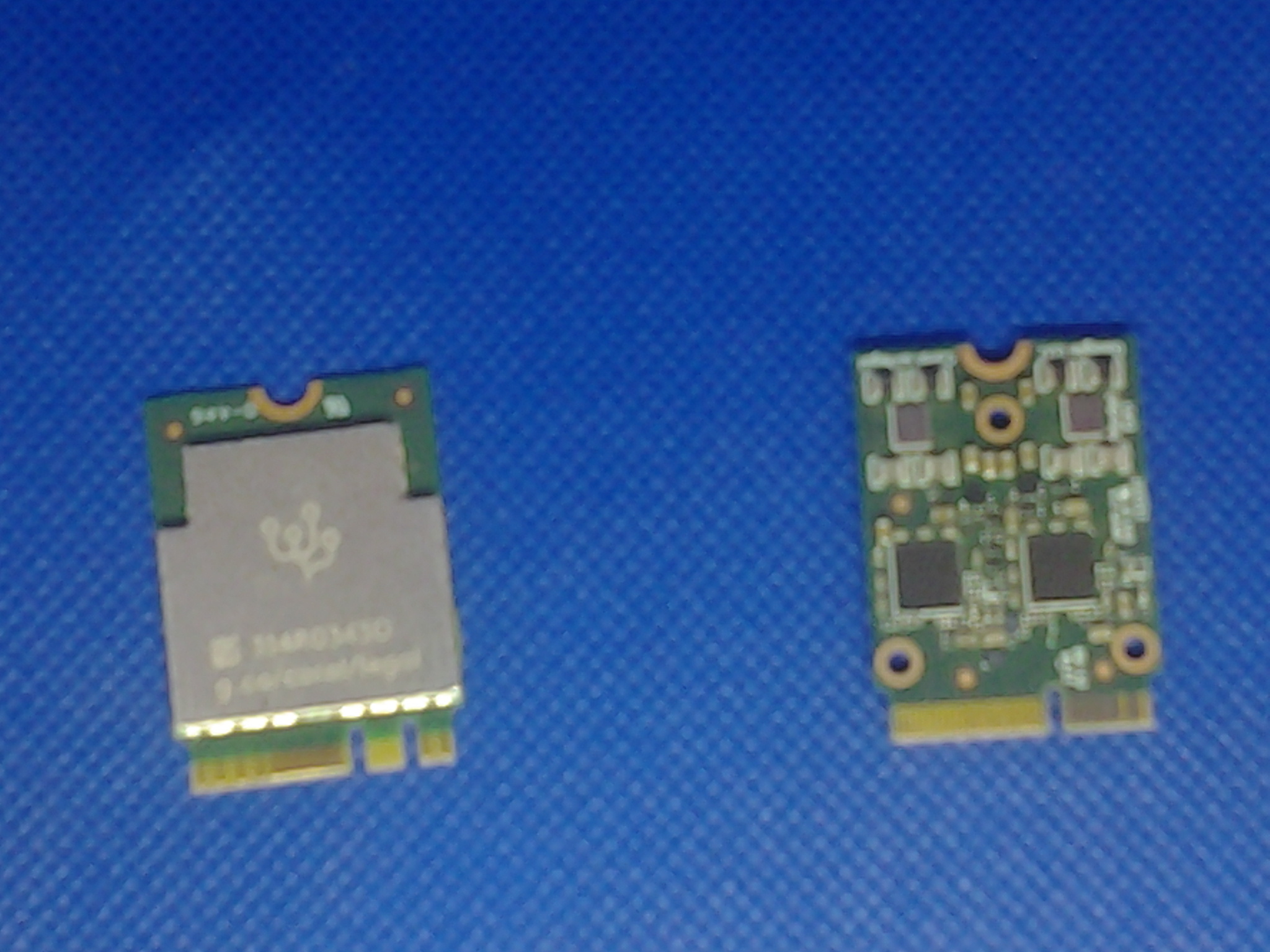
Coral TPU's I own
I own two M.2 versions and I'm gonna use the one keyed in E over a x1 PCI adapter. This one is probably the most powerful Coral TPU ever released as it actually had two TPU's embedded in the same board and as such allowed you to run two models at once, not like it made a world of difference given that the models that the Coral TPU's were rather... bad by today's standards?
I think the main problem with Coral TPUs is that the models that Coral could run were limited, you won't find any Large Language Models here and I only ever saw it being used for facial and image recognition or for simple automation using a camera (E.g. the system that Flippy over at White Castle uses to handle fryers). This is by design as the intent of Coral was making a chip that could allow for automation with a very small power footprint and without requiring an internet connection. Unlike the intent though, the thing the chips ended up being used with the most were CCTV systems, ESPECIALLY Frigate, to the point where most of the trouble-shooting you find online for a Coral TPU eventually points you to the Frigate community where some people are continuing to use the chips to this day.
The most complex thing I ever saw a Coral TPU being used for was surprisingly (Or maybe unsurprisingly...) cheating in videogames, specifically botting. both of them were private developments that I don't think were ever made public but both worked the same way, basically you would setup a computer with the TPU and a capture card to send the keyboard and mouse inputs where the game was actually running and basically make an undetectable bot that would farm things for you, one of the developments was for Runescape and another for CS:GO but I honestly don't know if either development went anywhere or if the devs changed their hardware for something more capable at one point.
Creating an environment for preservation purposes
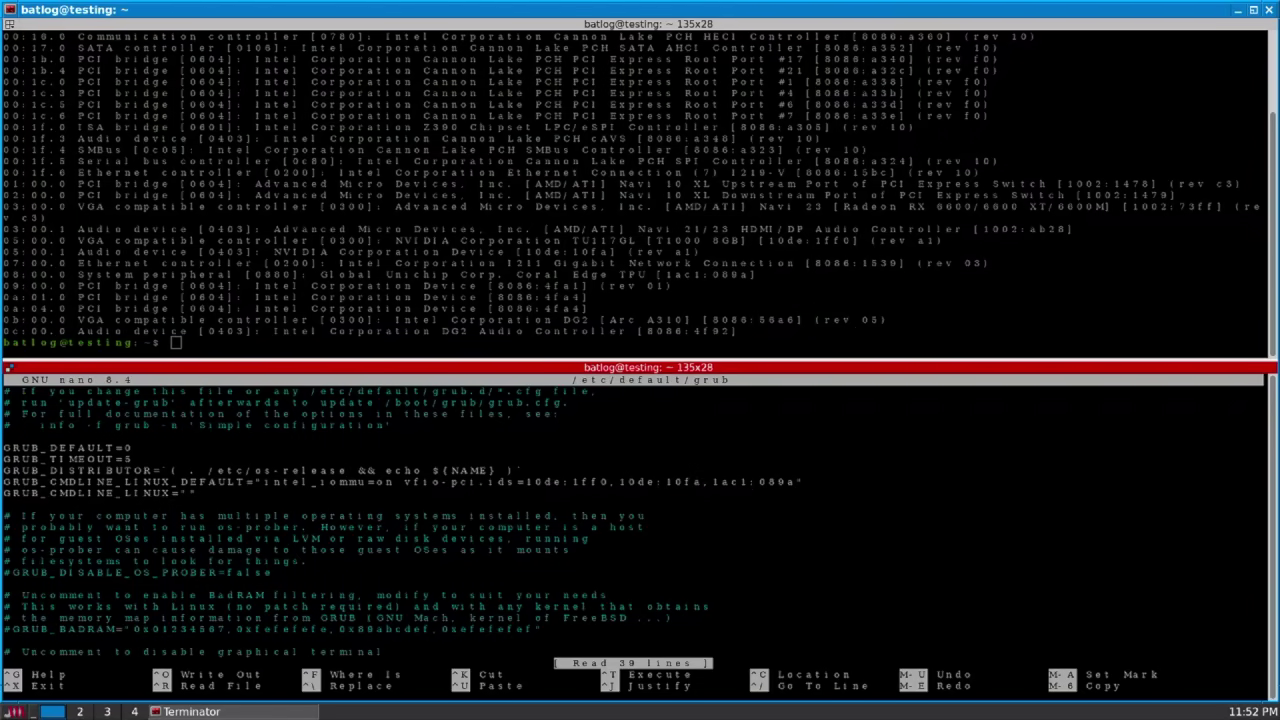
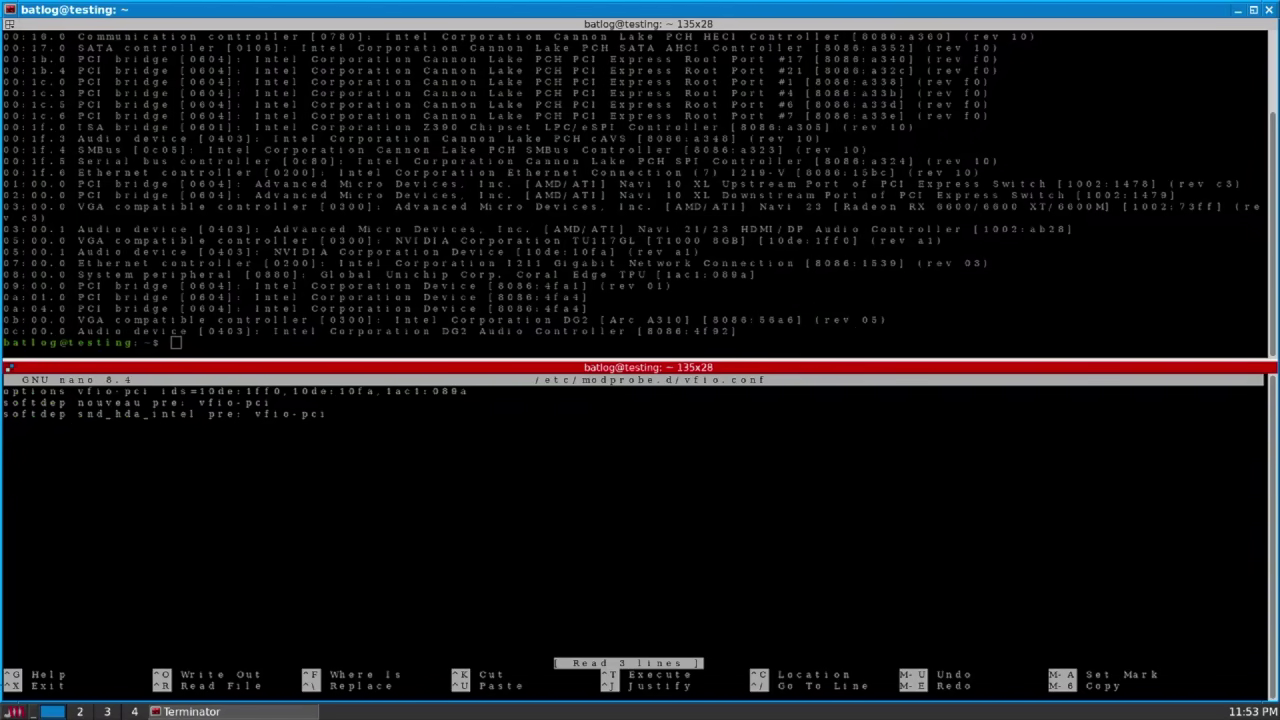
First I loaded the chip with vfio drivers in order to pass it to a VM, I already went over that in my Virtual AI environment and Windows 11 VM gaming setup so I'll just summarise it. I added the device identifiers of the TPU into GRUB and modprobe.d.
Adding device values to GRUBAdding device values to modprobe
Updated both of them:
sudo update-grub && sudo update-initramfs -u
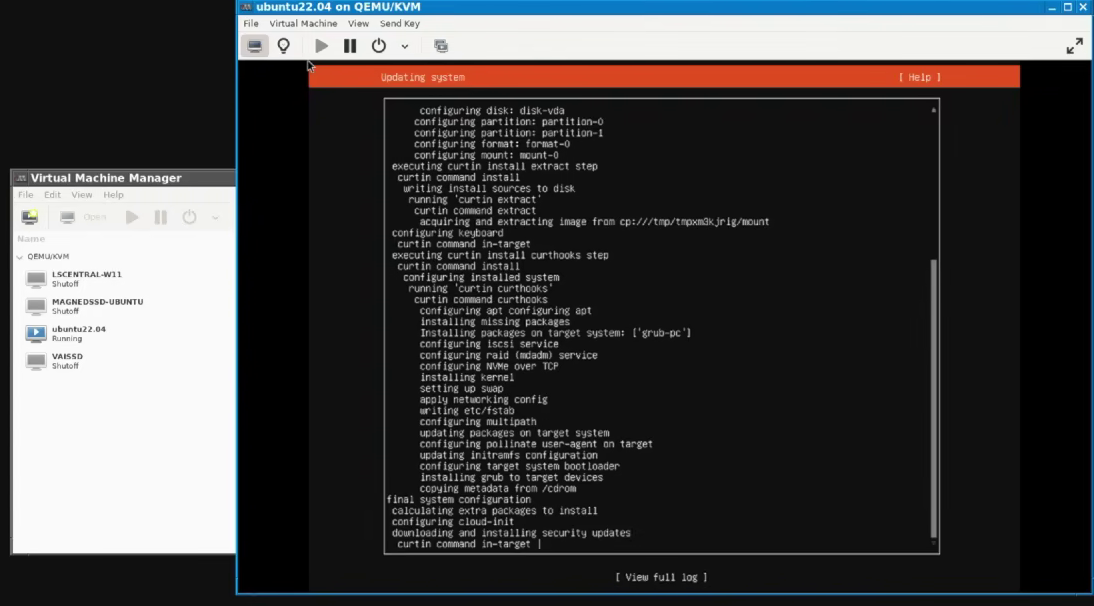
And after a reboot I made a minimal Ubuntu Jammy VM (Server edition, No gui) , there really was nothing special about it.
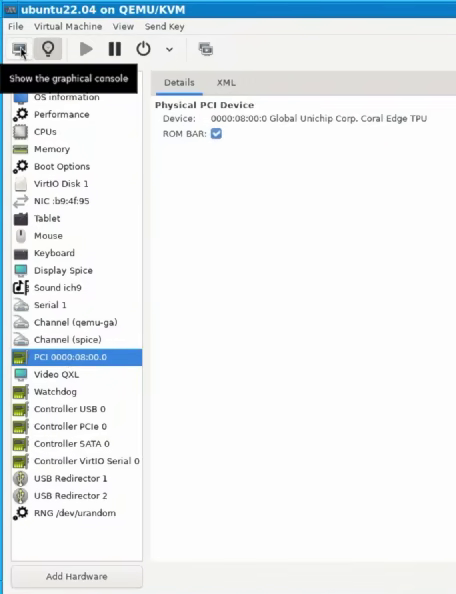
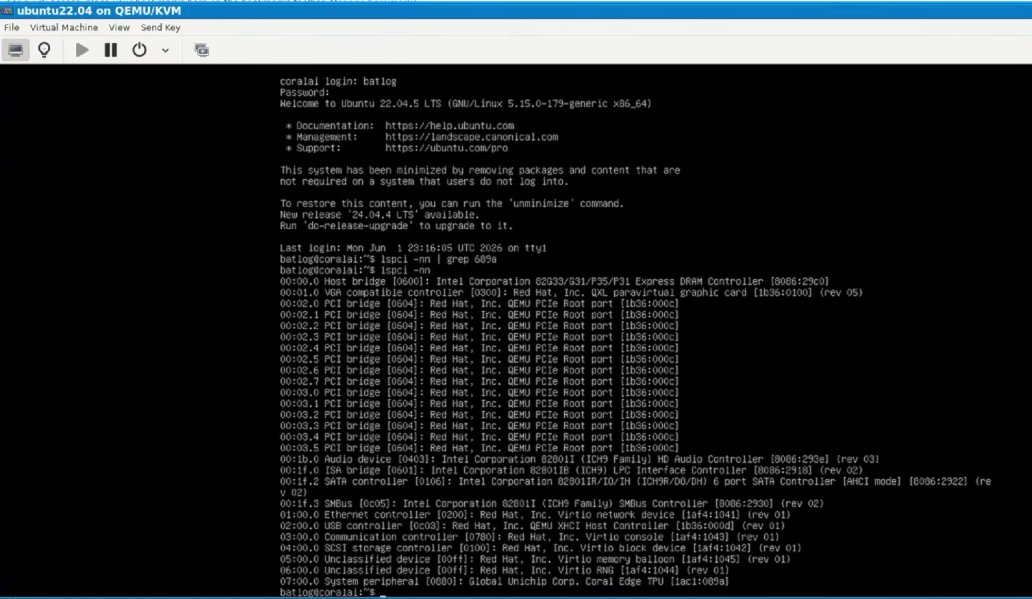
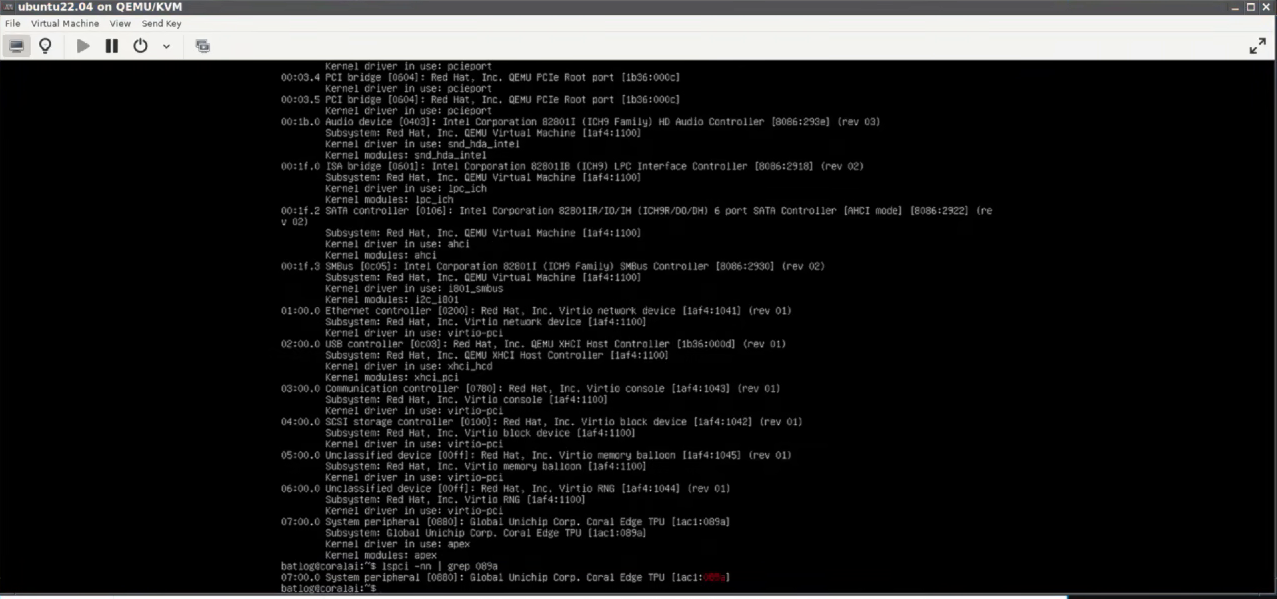
After I created the VM: I logged in, checked everything was working correctly, shut down the VM attached the TPU, fired the VM again and ran lspci to check the TPU was loaded correctly.
Attaching the TPUChecking the TPU is loaded
At this point I just proceeded with the installation as per Google's instructions.
Installing everything and running the sample model
The installation went mostly according to Google's instructions except for a few hiccups due to the lack of care and maintenance. I'll document the process and troubleshooting I did.
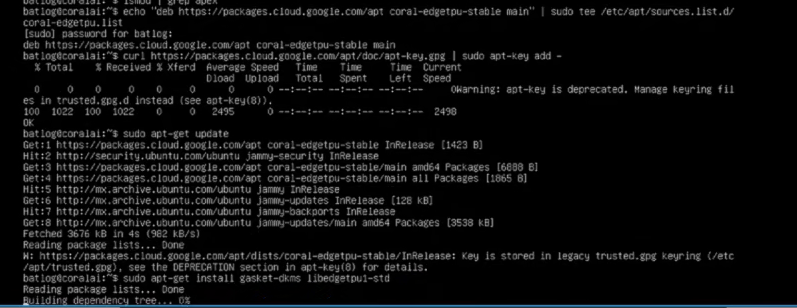
First I had to install the drivers and assigning permissions to allow my user to use the device, this went mostly according to plan except for APT giving me a warning due to Google failing to maintain their repository keys, regardless since I'm running kernel 5.x everything went smoothly.
Commands to install the drivers
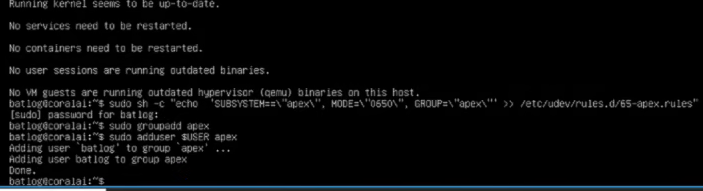
Commands to allow your user to use the TPU
echo "deb https://packages.cloud.google.com/apt coral-edgetpu-stable main" | sudo tee /etc/apt/sources.list.d/coral-edgetpu.list
sudo sh -c "echo 'SUBSYSTEM==\"apex\", MODE=\"0660\", GROUP=\"apex\"' >> /etc/udev/rules.d/65-apex.rules"
sudo groupadd apex
sudo adduser $USER apex
Installing the driversAssigning permissions to user
Once that's done and checked the drivers were actually loaded and working with lspci -knn.
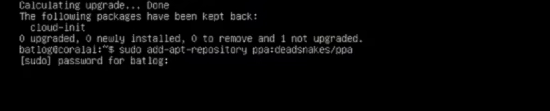
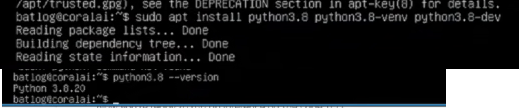
YupNow begins the pain as the rest of the software stack works using python. To start I had to add the deadsnakes ppa repository and install python version 3.8. The way the deadsnakes repository works is that any command I run from this point on must specify which version of python I'm using as seen in the example below.
Installing python 3.8 and related packages: sudo apt install python3.8 python3.8-venv python3.8-dev
Installing the deadsnakes PPAInstalling all python 3.8 packages and running a command
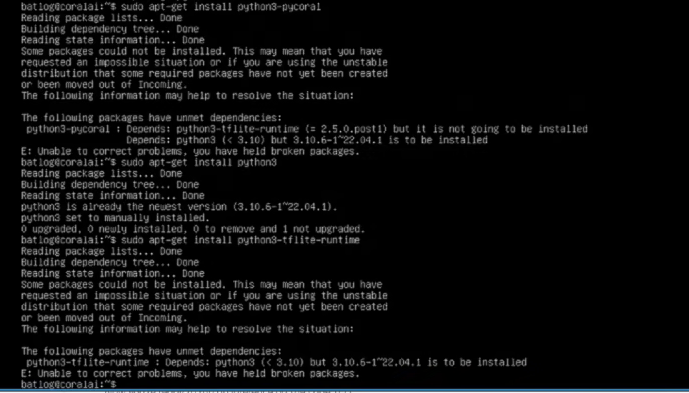
Now all it's left is install pycoral. And this is the point where things went wrong.
Read: Your software is unmaintained and I won't downgrade the version of a package I have installed because Ubuntu's developers thought it was a great idea to have my network work completely using python for some god forsaken reason
Greatthat's just the whole fucking software stack, no biggie. I just have to find a workaround. First I tried to make python3.8 the main python version with a symlink in Linux, I'm not even bother gonna document doing this and I'll just tell you not to do it, that broke the entire system and it wouldn't boot any longer.
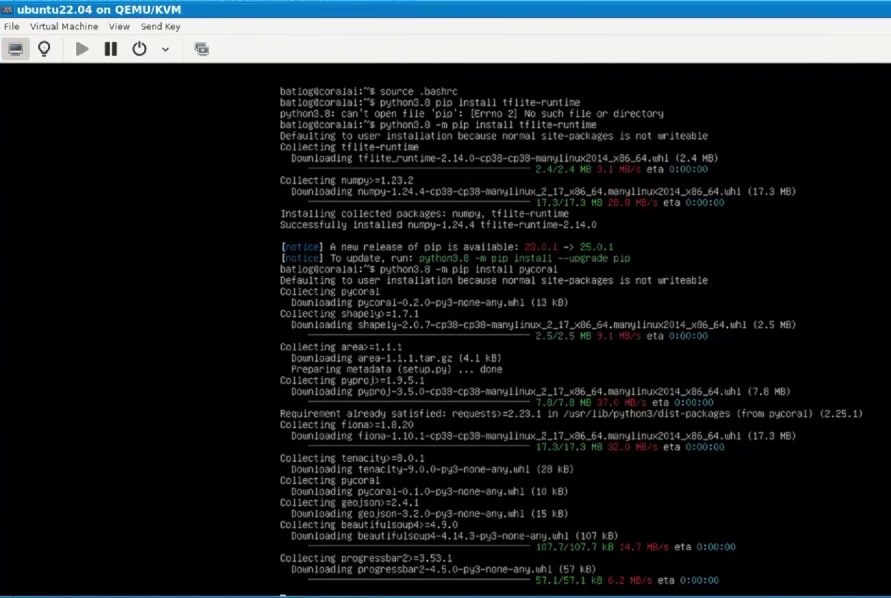
I also tried installing tflite-runtime and pycoral using pip but that also didn't work
Long story short: also DON'T DO THIS
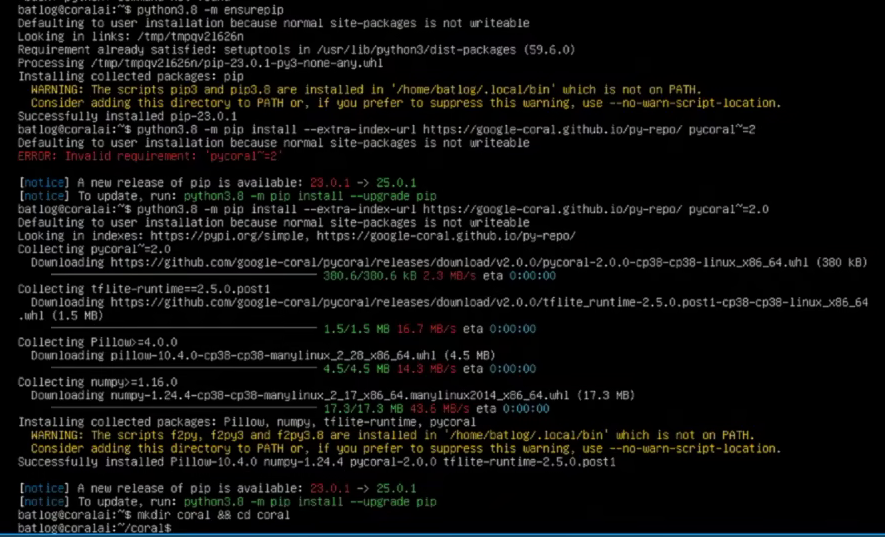
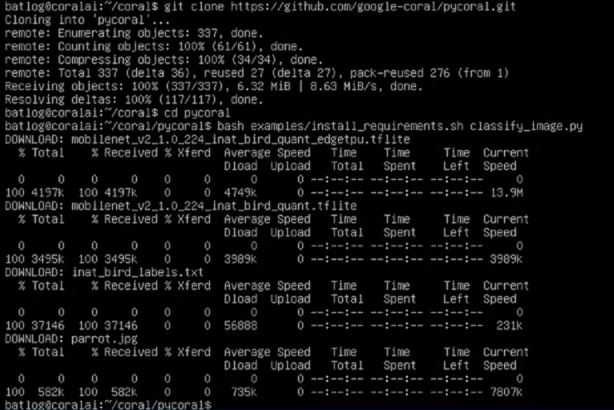
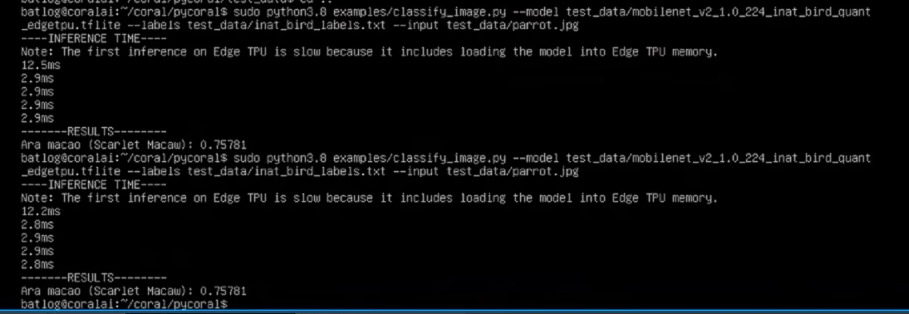
What worked: First I ensured pip was installed and afterwards I installed the pycoral version directly from Google's github
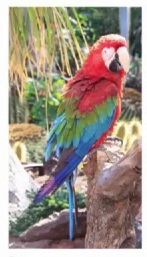
This is the image the command is pointing to by the way:
The reasons why I think it failed and why I think they were still a good idea and why I'm preserving this.
There are quite a few things that I think contributed to Coral being shelved by Google almost immediately after release
One may think a contributing factor was the leak of the uncensored Stable Diffusion models by NovelAI in 2022 that effectively lead to the rapid replacement of small computing devices for Large Language Models and the current AI craze the world finds itself in (After all why have a stationary robot like Flippy at White Castle when you can have a whole fleet of robot workers on your Amazon warehouse?). But more than anything I believe killed Coral was because it ran against Google's business model, allow me to elaborate.
The main thing that killed Coral in general in my opinion is that SBC's began using NPU's everywhere, in particular Risc V SBCs, and since most of the people interested in this tech are companies or governments (Be it for automation or mass surveillance) there really is no point to having a cheap device that allows your average Joe to run basic image recognition models. For instance one of the worst Risc V SBCs I own a Sipeed M1S Dock; a rather limited SBC with only 64MB of RAM and even there I see no practical difference in using that over using another SBC or computer with a Coral TPU as far as using it for automation is concerned (I may make an article on that device later).
There is a big difference between a TPU and an NPU though: you cannot train models on an NPU, only run them, and for that alone combined with the ridiculously small power footprint, I think these devices are worth preserving. However, I also get why Google abandoned this idea and hasn't looked back, after all why allow end-consumers to train their own models and run them offline when you can train the models, sell them to companies and implement DRM on them?
I may look into upgrading the software stack one day just out of spite but for now Coral joins the Google graveyard in the long list of projects killed by Google.